6
Bluetooth Connection Mode
Me sure the scnner s not connected to host computer or devce before scnnn
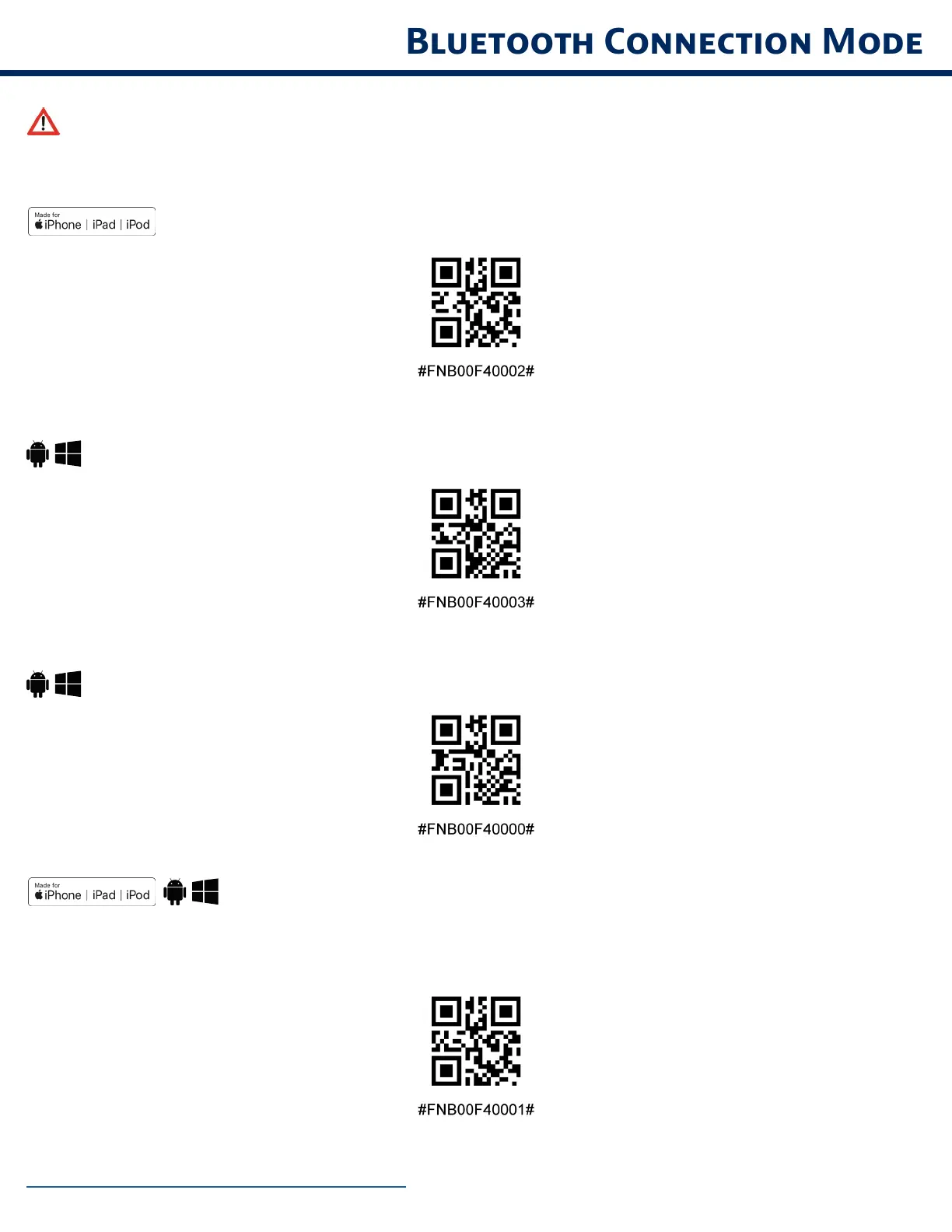
commnd brcode Scn commnd brcode(s) to confure the scnner
OS Applcton Mode for Apple Devces (defult)
*Required for Apple iOS applications developed with Socket Mobile SDK.
Applcton Mode (Auto Connect-SPP) for Wndows or Androd 80 nd lter
*Congures the scanner to Serial Port Prole.
Applcton Mode (SPP) for Wndows or Androd verson 70 nd lower
*Congures the scanner to Serial Port Prole (SPP).
Bsc Mode (HID)
(All host devices)
Confures the scnner to Humn Interfce Devce (HID) mode The scnner wll be dscoverble s
ebord to other Bluetooth devces
*For comptble pplctons developed wth Socet Moble SD
https//scttech/busness-pplctons


 To Next Page