EasyManua.ls Logo

Socket S740 - User Manual

Default Icon
14 pages
Print Icon
To Next Page IconTo Next Page
Loading...
COMMAND BARCODES
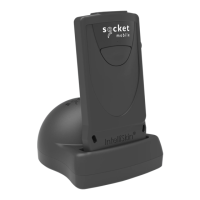
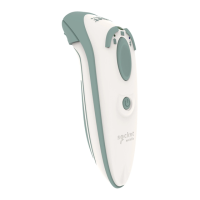
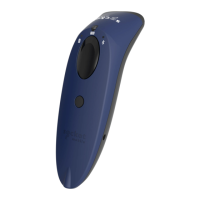
2D/1D IMAGER MODEL - D740, S740, S840, S850
This document pertains to the following D740, S740, S840, S850:
Model
D740 Construction Orange
D740 Safety Green
D740 Utility Gray
Model
S740 Blue
S740 Green
S740 Red
S740 White
S740 Yellow
Model
S840 Black
S850 Black

Other manuals for Socket S740

Question and Answer IconNeed help?

Do you have a question about the Socket S740 and is the answer not in the manual?

Summary

Companion App

Factory Defaults

Bluetooth Connection Mode

Basic Mode (HID)

Configures scanner to Human Interface Device (HID) mode, discoverable as a Keyboard.

Application Mode (MFi-SPP) for Apple Devices

Configures scanner to work with an application.

Application Mode (SPP) for Windows or Android 8.0 and later

Configures scanner to Serial Port Profile (Auto Connect).

Application Mode (SPP) for Windows or Android version 7.0 and lower

Configures the Scanner to Serial Port Profile (SPP).

Data Suffix

Rumble;Beep Modes

HID Keyboard Language Settings

English (Default)

Scan barcode to enable English language for HID keyboard.

French

Scan barcode to enable French language for HID keyboard.

German

Scan barcode to enable German language for HID keyboard.

Spanish

Scan barcode to enable Spanish language for HID keyboard.

Apple iOS Onscreen Keyboard

Disable both Onscreen Keyboard and Beep

Configures scanner to disable iOS onscreen keyboard and beep.

Bluetooth Connection Roles

Data Mode - For SPP Mode Only

Automatic Reconnection Settings

Power Button Double Key Press

Socket S740 Specifications

General IconGeneral
BrandSocket
ModelS740
CategoryLaboratory Equipment
LanguageEnglish

Related product manuals