5
You can congure the scanner to automatically add a sufx and/or prex to each scan of data.
Note: Scanning multiple commands in a single instance will overwrite (not append) the previous
command.
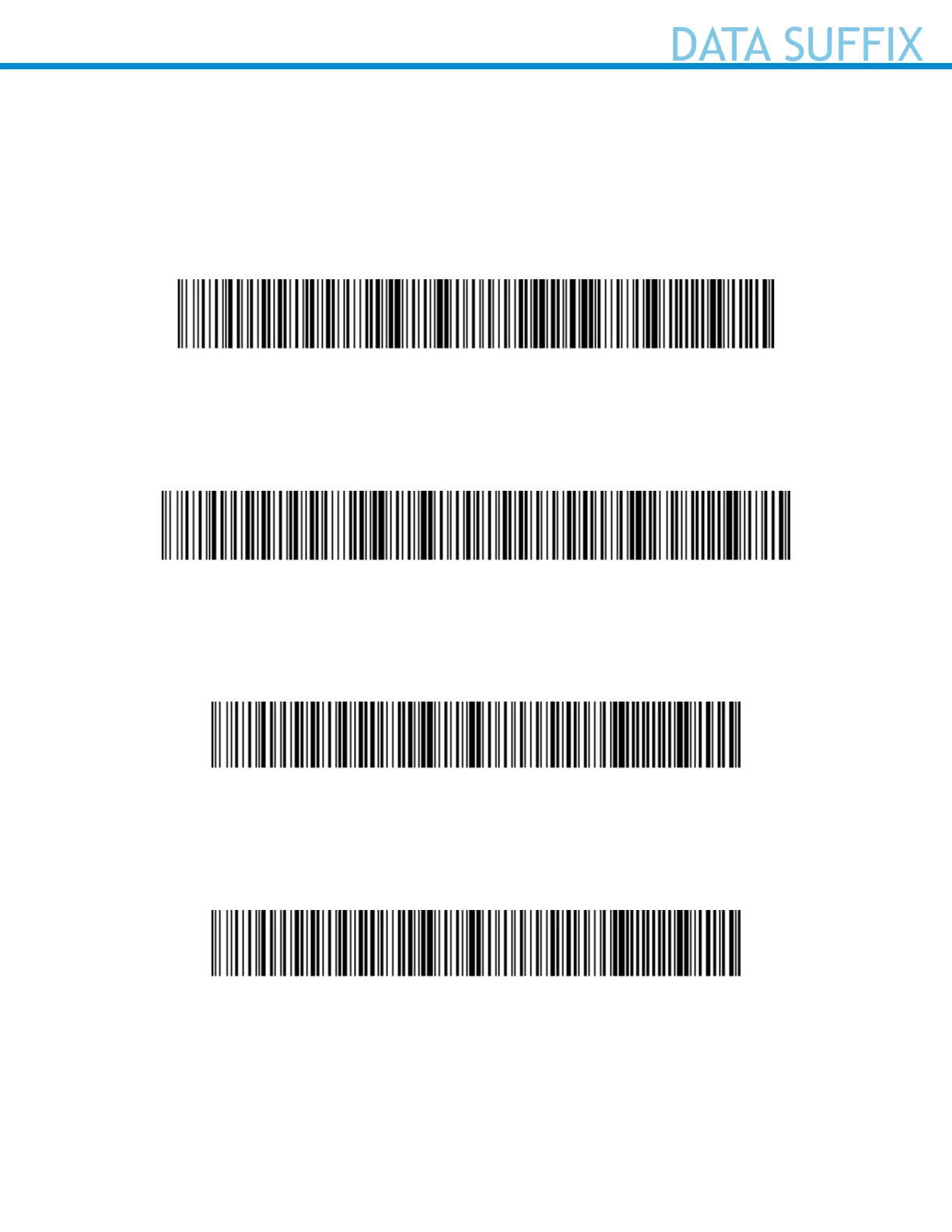
Sufx – Carriage Return (default)
Congures the scanner to add a carriage return after decoded data.
#FNB00F50BC6048FFEE1680DE040000#
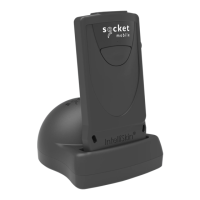
Sufx – Tab
Congures the scanner to add a tab after decoded data
#FNB00F50FC60408FF9F00EE01EB0168090000#
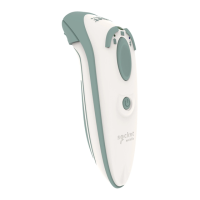
Sufx – Carriage Return & Line Feed
Congures the scanner to add a carriage return and line feed after decoded data.
#FNB00F509C60408FFEE01EB010000#
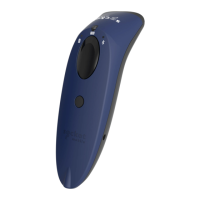
Data As Is
Congures the scanner to return only the decoded data (i.e., no prex or sufx).
#FNB00F509C60408FFEE01EB00000#



 To Next Page