Scn one of the brcodes to confure the scnner to utomtcll scn brcodes
For model D740 nd S740 onl
These settns drn the btter fster Plese ensure the scnner s chred dl
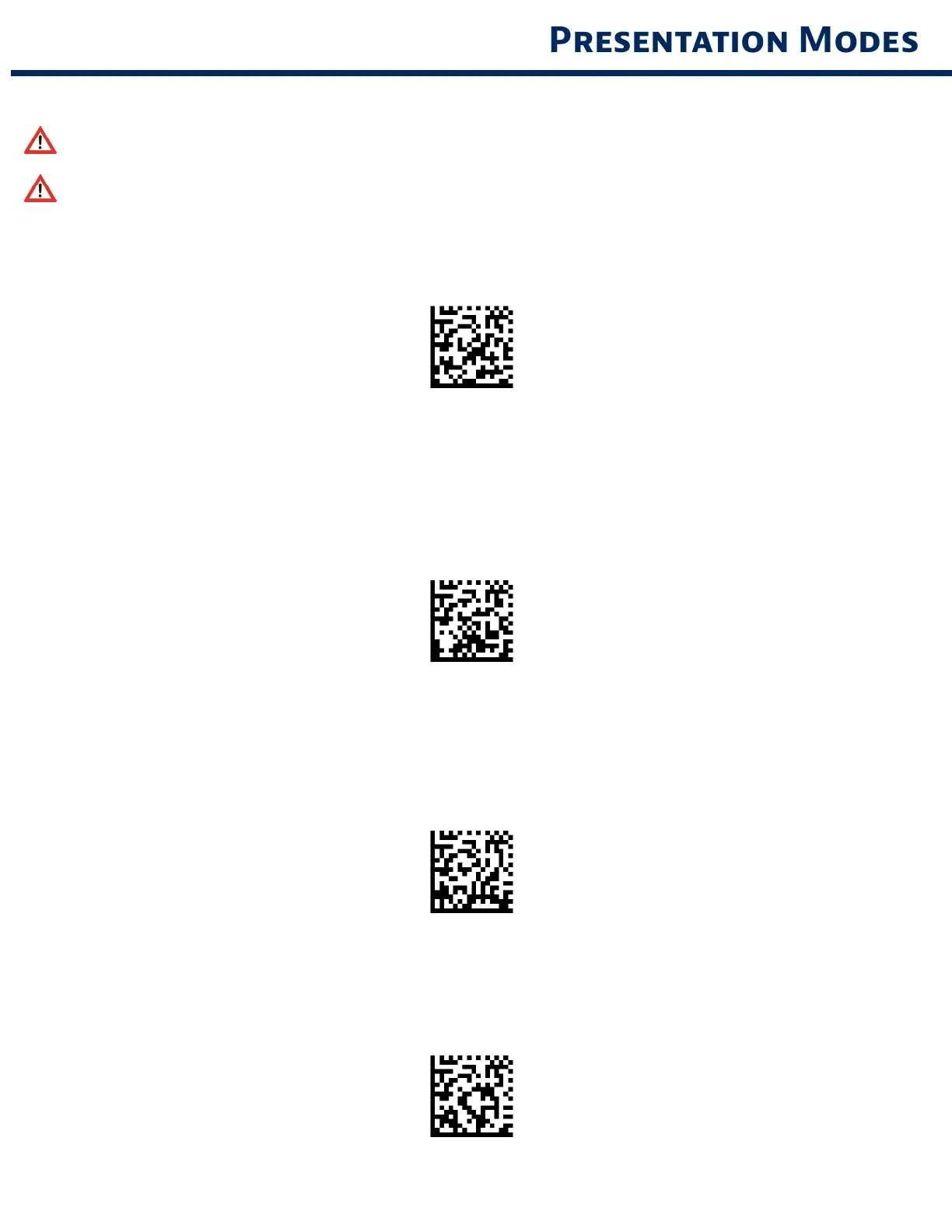
Moble Mode (defult)
Reverts bc to mnul scn mode For model D740 nd S740 onl
#FNB 41FBA50000#
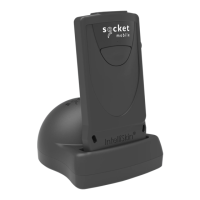
Auto Mode (recommended)
Confures the scnner to swtch to presentton mode when power s detected on the chrn
pns The scnner wll remn on presenton mode untl the scn button s pressed to ext the
mode For model D740 nd S740 onl
#FNB 41FBA50003#
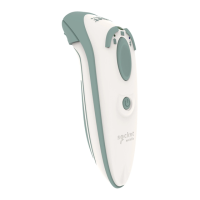
Detect Mode
Confures the scnner to swtch to presentton mode when power s detected on the chrn
pns The utomtc scn wll contnue untl power s removed For model D740 nd S740 onl
#FNB 41FBA50002#
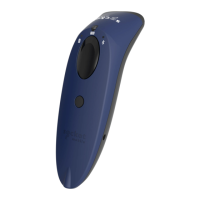
Stnd Mode
Scnner s permnentl n presentton mode For model D740 nd S740 onl
#FNB 41FBA50001#
10



 To Next Page