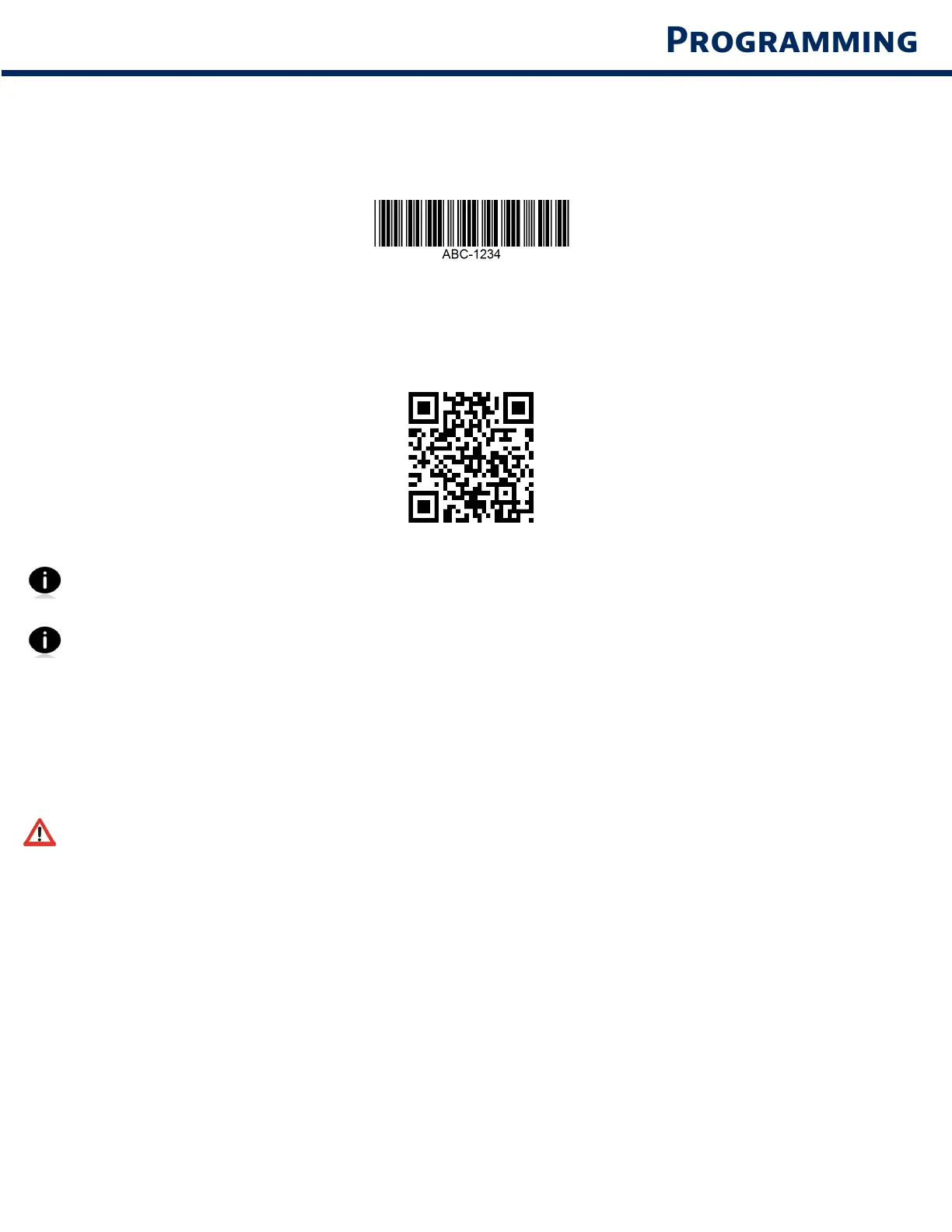
Wht s 1D brcode
Lner, 1 dmensonl brcodes re row of prllel lnes of vrn thcness The nformton s
stored n the wdths of the brs nd spces 1D brcodes re used n retl products
Wht s 2D brcode
2D brcodes re pttern of blc nd whte blocs rrned n squre or rectnles Two
dmensonl brcodes cn hold snfcnt mount of nformton nd re more tpcll used thn
1D brcodes 2D brcodes re used for mnufcturn, wrehousn, etc
For commnd brcodes not vlble n the ude, contct support@socetmoblecom
After scnnn commnd brcode, power off nd on the scnner to me sure t’s
confured
Note: Most computer monitors allow scanning the barcodes directly on the screen. When
scanning from the screen, be sure to set the document magnification to a level where you can
see the barcode clearly, and bars and/or spaces are not merging.
Me sure the scnner s not connected to host computer or devce before scnnn
commnd brcode
16



 To Next Page