Boolnd ISBN Formt
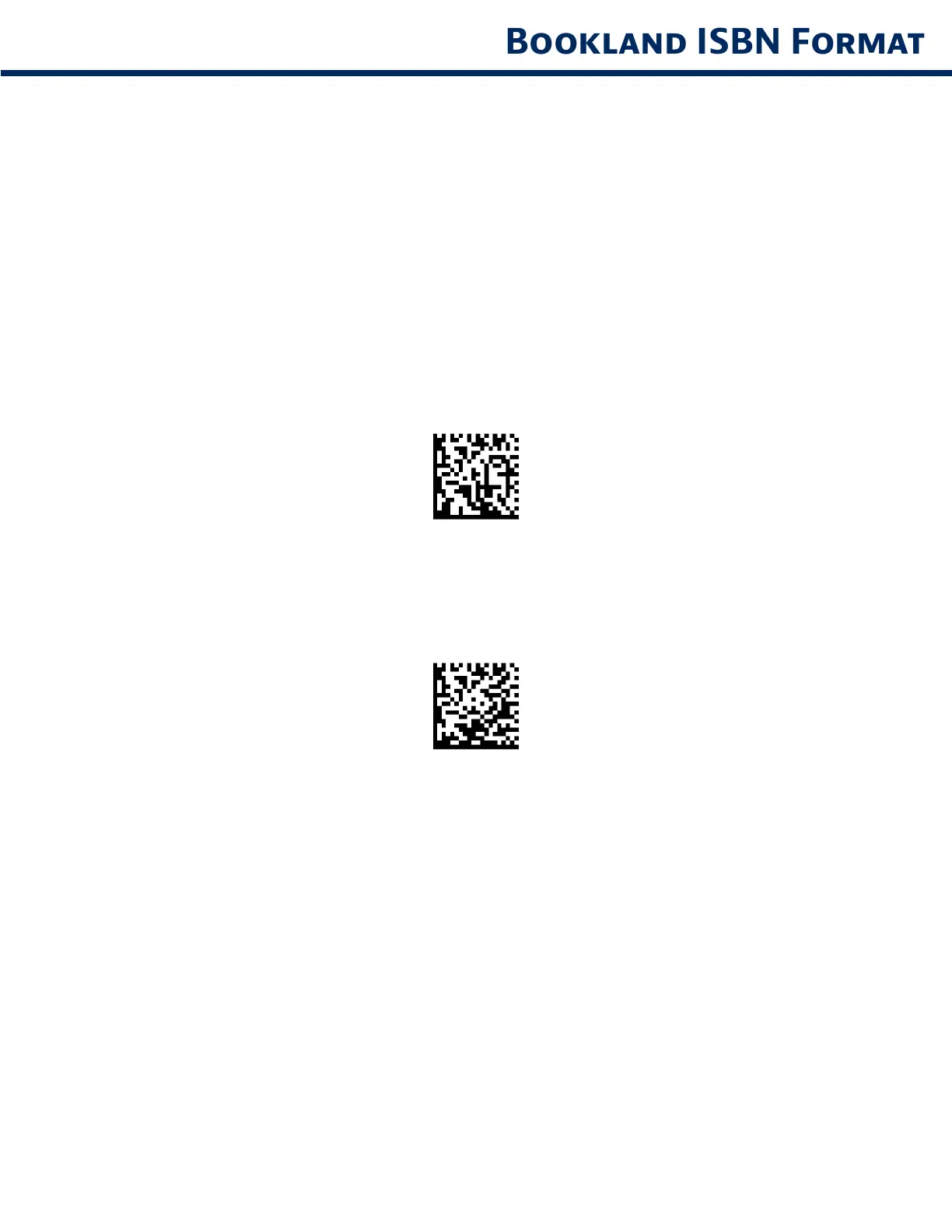
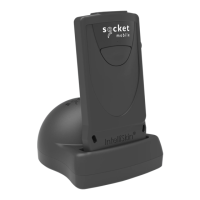
If Boolnd EAN s enbled, select one of the follown formts for Boolnd dt
Boolnd ISBN-10 - The dtl scnner reports Boolnd dt strtn wth 978 n trdtonl
10-dt formt wth the specl Boolnd chec dt for bcwrd-comptblt Dt strtn
wth 979 s not consdered Boolnd n ths mode
Boolnd ISBN-13 - The dtl scnner reports Boolnd dt (strtn wth ether 978 or 979)
s EAN-13 n 13-dt formt to meet the 2007 ISBN-13 protocol
Note: For Bookland EAN to function properly, ensure Bookland EAN is enabled (see Enable/Disable
Bookland EAN), then select either Decode UPC/EAN Supplementals, Autodiscriminate UPC/EAN
Supplementals, or Enable 978/979 Supplemental Mode in Decode UPC/EAN Supplementals.
Boolnd ISBN-10
Boolnd ISBN-13 (defult)
Note: If you enable Bookland EAN, select a Bookland ISBN Format. Also select either Decode UPC/EAN
Supplementals, Autodiscriminate UPC/EAN Supplementals, or Enable 978/979 Supplemental Mode in
Decode UPC/EAN Supplementals on page 31-32.
19



 To Next Page