6
IMPORTANT! Make sure the scanner is not connected to a host computer before scanning a command bar-
code.
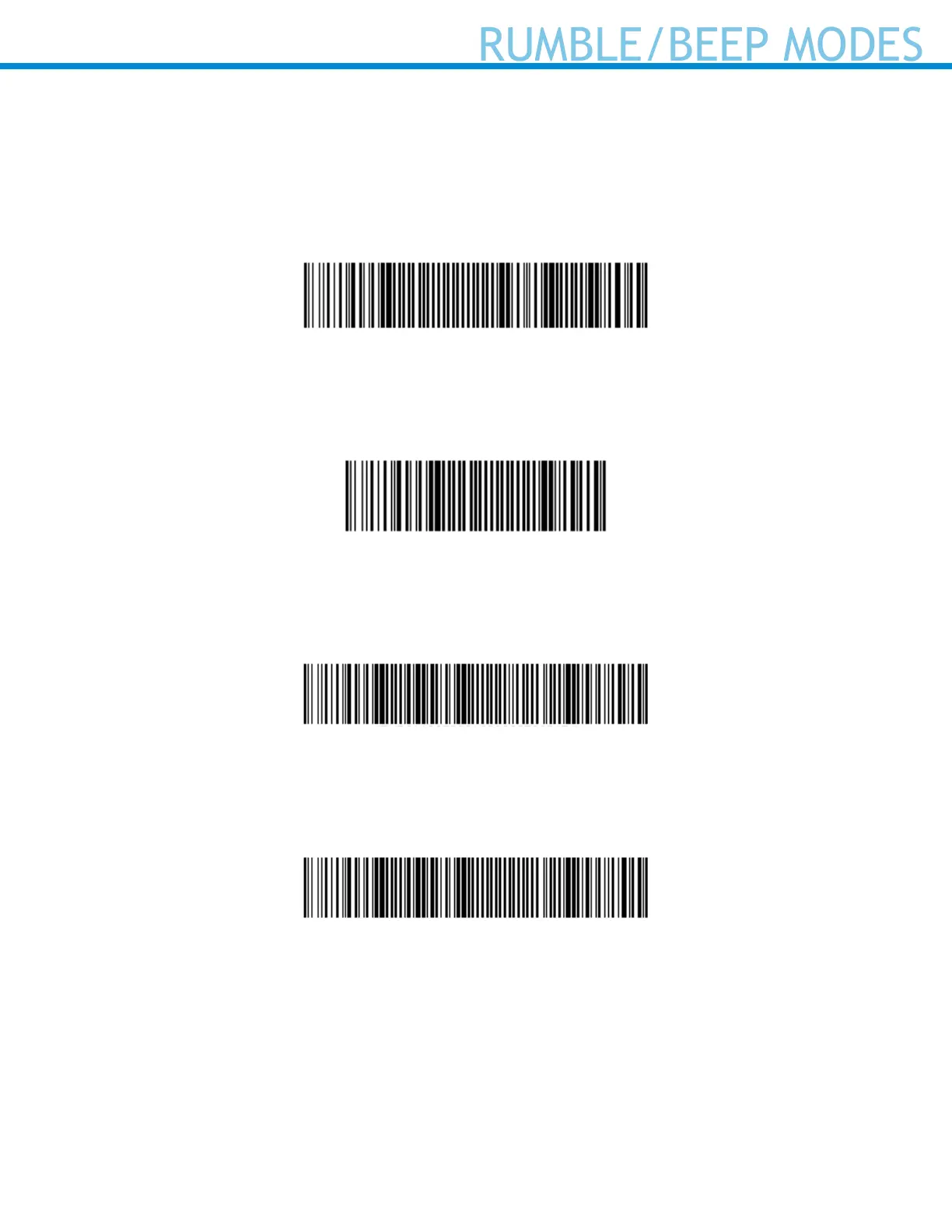
Vibrate “On”
Enables scanner to vibrate to indicate successful scan
#FNB01310001000100FA0000#
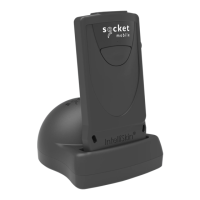
Vibrate “Off”
Disables scanner from vibrating to indicate successful scan
#FNB013100010000#
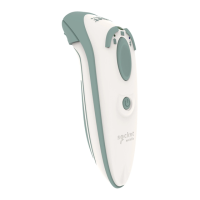
Beep “On”
Enables scanner to vibrate to indicate successful scan
#FNB01190E000100030078004B#
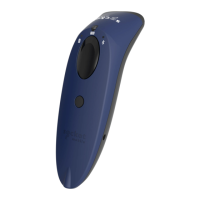
Beep “Off”
Disables scanner from beeping to indicate successful scans
#FNB01190E000100000078004B#



 To Next Page