23
NOTE: If your scanner remains in an unresponsive state after following
the Factory Reset, use the Restore Method.
The Restore Method should be the last attempt used to revive an unre-
sponsive scanner. It will reinitialize the core hardware.
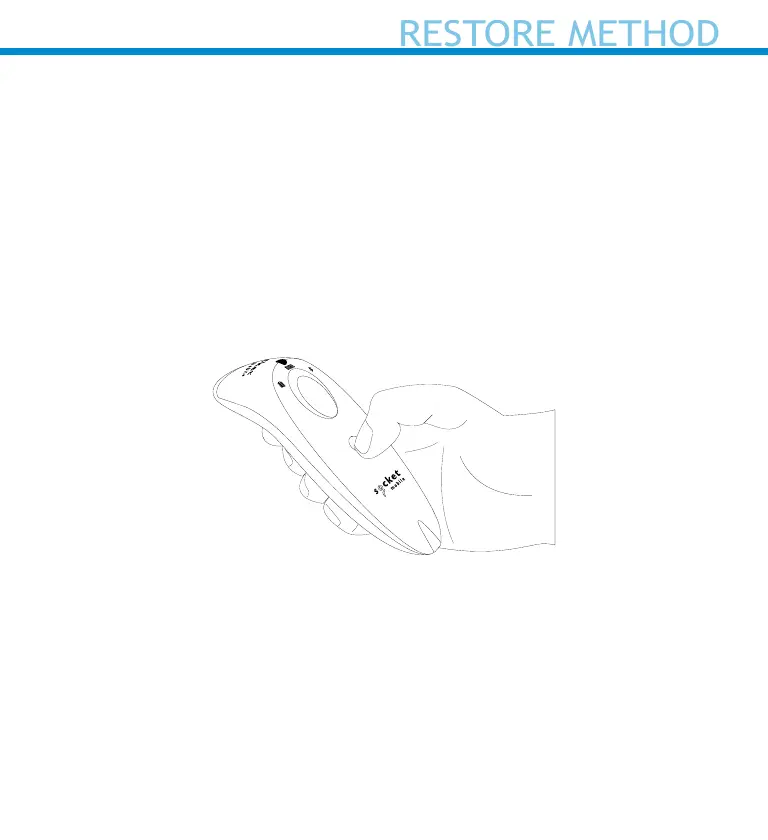
1. Make sure your scanner is OFF.
2. Press and hold the power button until all LED lights goes on and o
(about 15 seconds)















 To Next Page