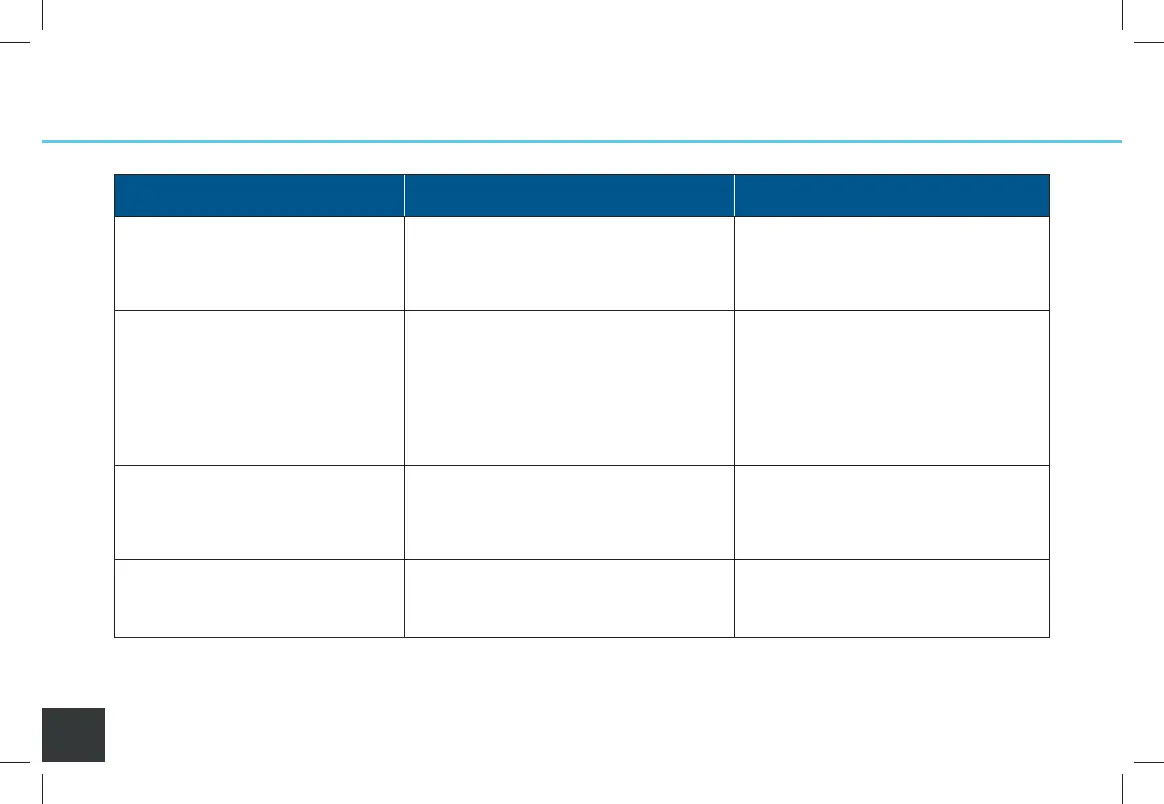
Featuring Celios Advanced Air Purification Technology
32
Troubleshooting
Problem Possible Cause Solution
Unit does not power on • Battery(ies) or AC adapter not installed
• Battery(ies) installed do not have
charge
• Install charged batteries or connect
to AC adapter
• Replace batteries with charged ones
or install AC adapter
Battery should be charging • Battery(ies) is(are) full
• No battery(ies) inserted
• AC adapter not plugged in
• Battery may be at end of life
• Battery may be over temperature limit
• The battery light will not display
when full and attached to AC adapter
• Insert 1 or 2 batteries into either slot
• Plug AC adapter into a working outlet
• Install new battery and recycle old
• Allow the battery(ies) to cool
before use
Pressure Light AND Warning Light
are illuminated AND Beeping is
heard
• Core Filter not installed properly
• Core Filter is loaded
• Ensure the Core Filter is fully
seated and latched into the Core
• Remove and discard old Core Filter;
install new Core Filter
Unit powered on AND Fan does
not operate AND Warning Light
flashing
• General system error
(Warning, Pressure, Beep)
• Remove all power sources; install
AC adapter to verify operation;
add battery(ies)
A000849-11_Rev C-SCAP IFU_7.5x5_NO 2400_011221.indd 32A000849-11_Rev C-SCAP IFU_7.5x5_NO 2400_011221.indd 32 1/12/21 10:09 AM1/12/21 10:09 AM


 To Next Page