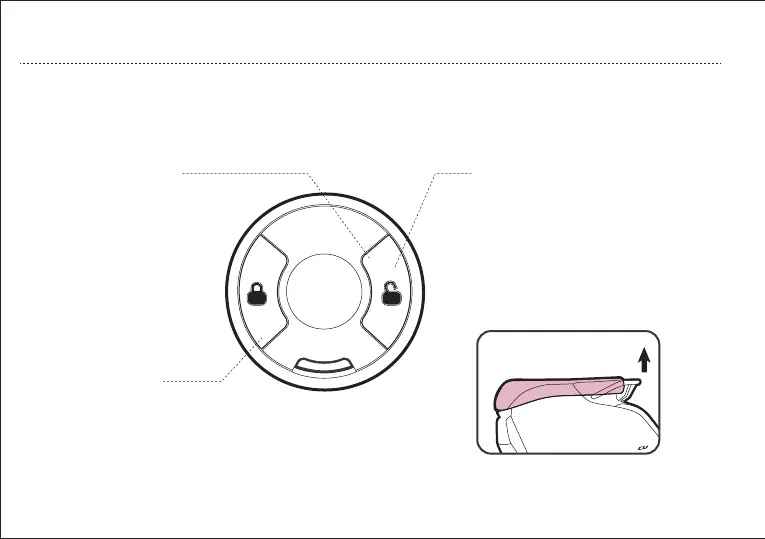
1. Unlock Button
3. Smart remote control
operation
Press “Unlock” button, the
vehicle enters unlocked state.
2. Lock Button
When the vehicle is in a stationary
state, press “Lock” button, the
vehicle enters locked state.
Adapt the second-generation SOCO smart
remote control key, and press the button
lightly within the effective range, the easily
lock or unlock the vehicle. Press and hold
the unlock button for 3S, the saddle lock
can be opened automatically.
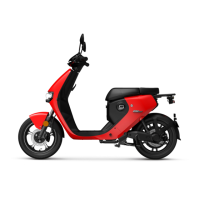
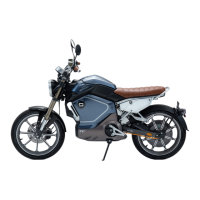
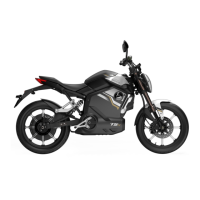
*Only applicable to some models*
18
OPERATION GUIDE
CU is equipped with second generation SOCO Intelligent Remote Control, with a press of the button, you
can lock or unlock the vehicle within an effective distance.
c. Intelligent Remote Control Operation


 To Next Page