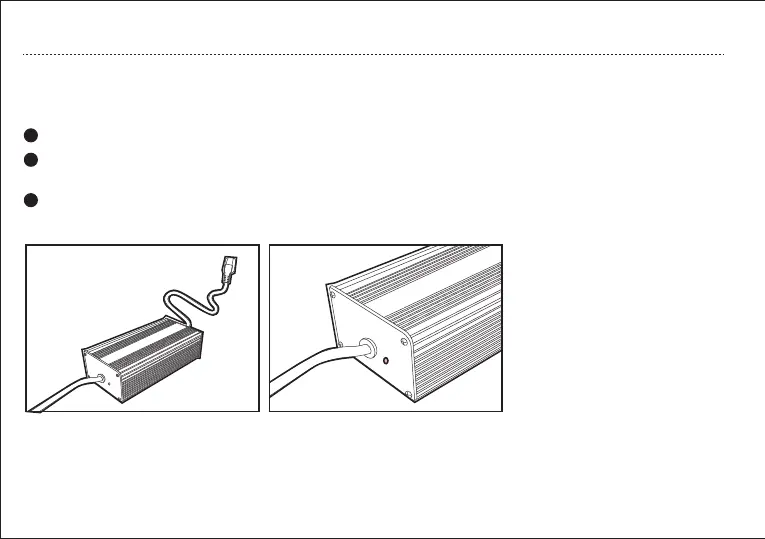
Plug the charger into the on-board charger socket.
Connect the charger to a power supply, and the indicator on the charger illuminates red during normal
charging.
Once the vehicle is fully charged, the indicator on the charger illuminates green.
1
2
3
a. On-board Charging
BATTERY USE INSTRUCTION
23
Charging:
the indicator illuminates red.
Fully charged:
the indicator illuminates green.
Error:
the indicator flashes red and green
alternately



 To Next Page