EN
9.1 STATUS
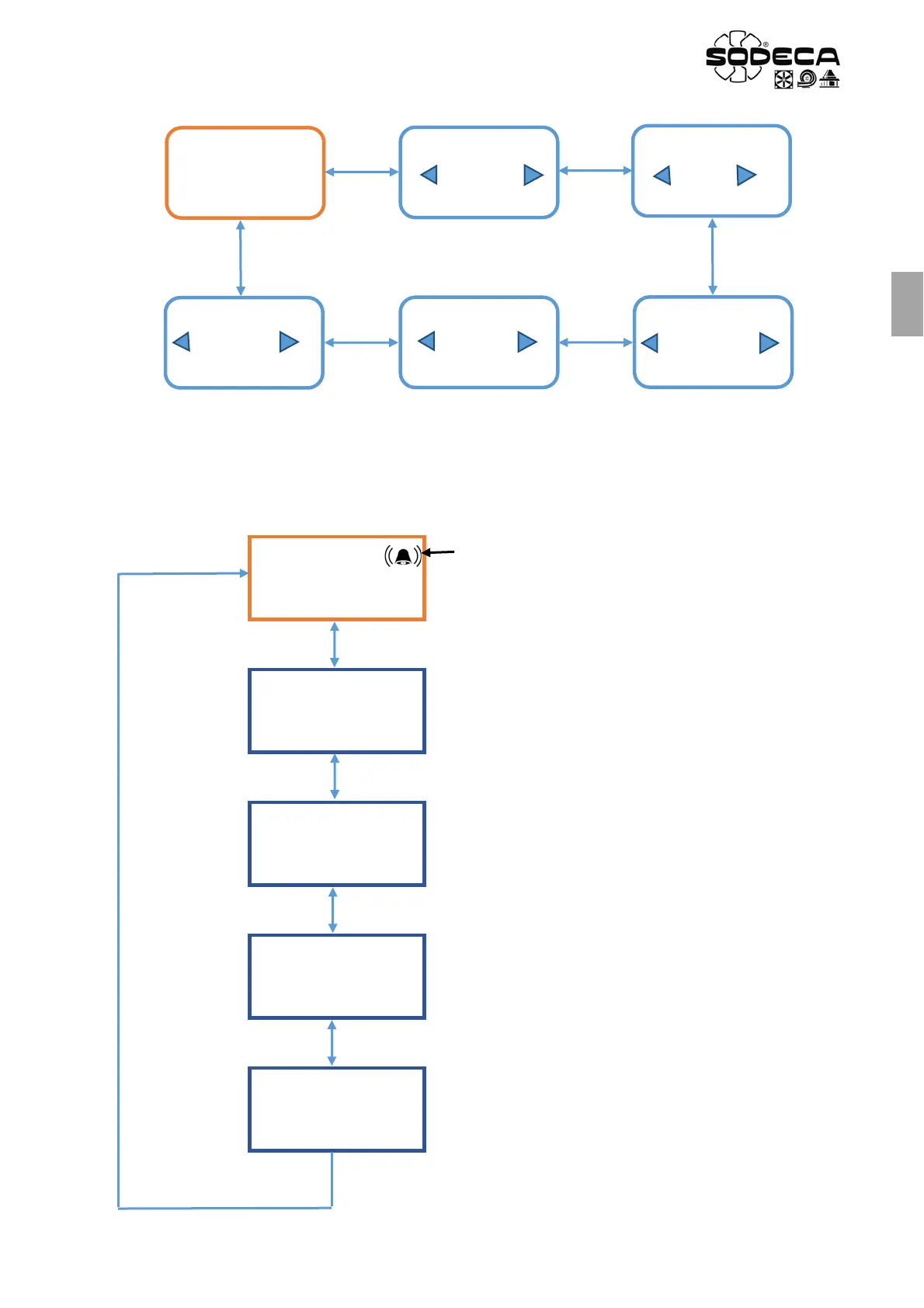
In this menu the normal operating status of the equipment and the regulation value will be displayed (Pa, m
3
/h, %...)
depending on the work mode configured and its unit of measure. Once inside the STATUS menu, use buttons A and C to
change the configuration menu. To access the desired menu click on button B. This procedure will also be used in each
configuration menu. If button B is clicked in the STATUS menu, the current values of the equipment will be shown. These
are provided merely for information purposes and cannot be changed.
STATUS
CONFIGURATION
LANGUAGE
CONFIGURATION
APP
CONFIGURATION
PARAMETERS
CONFIGURATION
ALARMS
CONFIGURATION
MODBUS
CPC MODE
101 Pa
If an alarm is triggered, a symbol like the one in the image will appear. A
message from the respective alarm will also appear, alternating with the
normal screen image.
Top line: SELECTED WORK MODE
Bottom line: Shows the PRESSURE or FLOW RATE reading and the UNIT of
MEASURE. In the case of Min/Max the SETPOINT is shown, which operates
as a %.
MOTOR SETPOINT
24%
View 0-10V Output.
0V = 0%
10V = 100%
RPM
1200
View RPM depending on TACHO input
VERSIÓN FIRMWARE
V0.1
DATE OF
MANUFACTURE
01/01/2017
This date must be saved in the PC when the board is
programmed, and it will be fixed.


 To Next Page