Safety Instructions
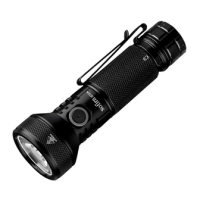
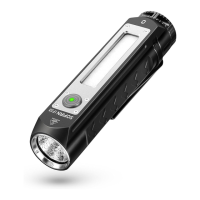
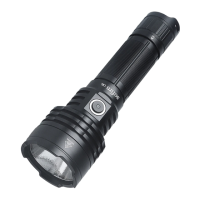
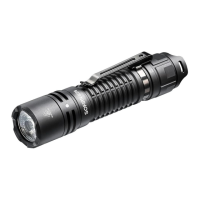
❖ IF22 and IF22A are powerful flashlights. Never point the beam directly at a person, animal or moving
vehicles. Doing so could cause retinal damage. Please do not allow children to play with them. Strobe
mode may cause seizure in persons with photosensitive epilepsy.
❖ Operating the flashlight for a long time in Turbo or High mode will warm it up. This is normal.
❖ Recharging external devices by the flashlight is dependent on the flashlight’s battery capacity and charge
state. Make sure to use a full battery if you want to use the discharge function.
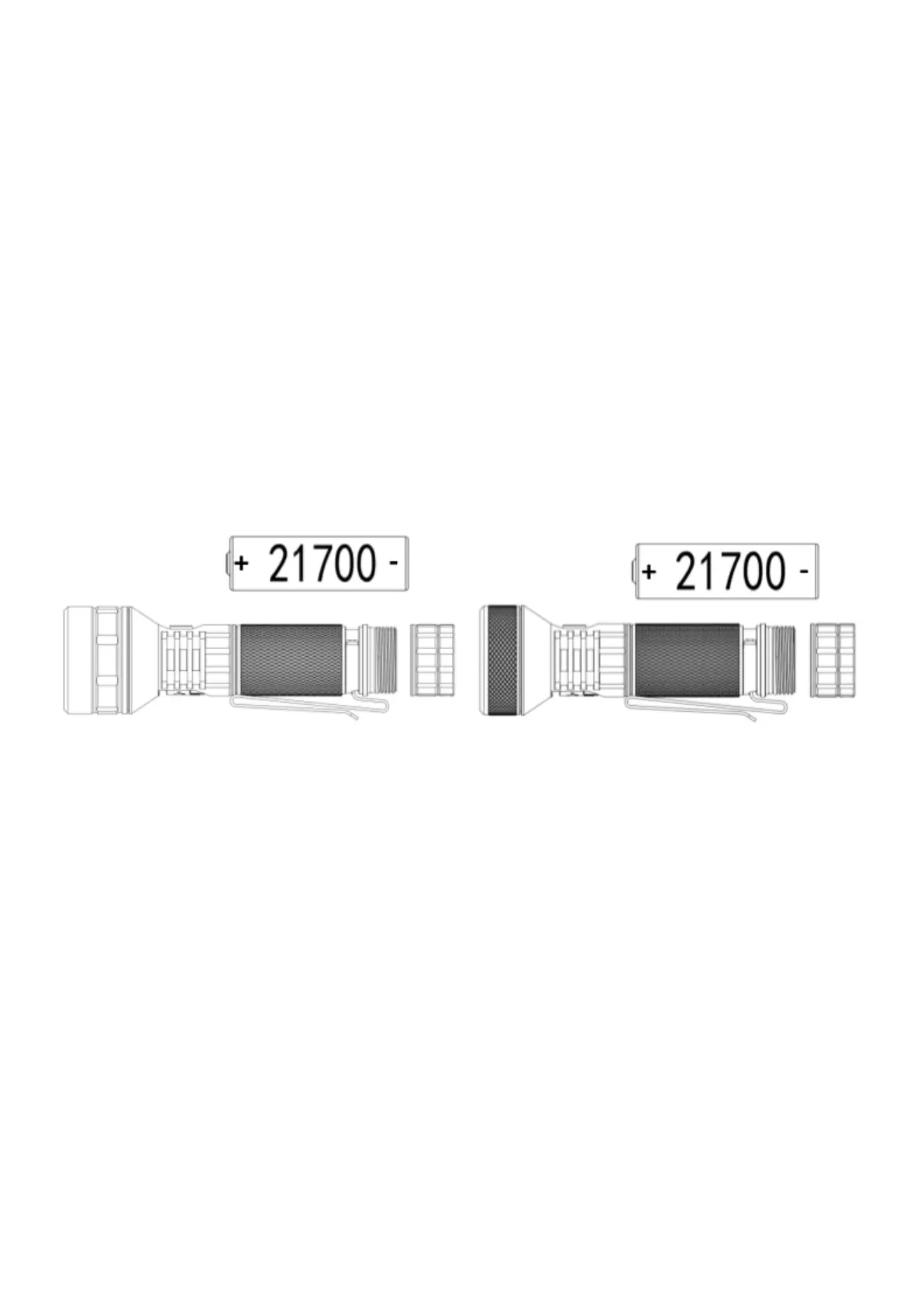
❖ When installing the battery, make sure the anode (+) side always faces towards the head/LED.
❖ Unscrew the tailcap half a turn to avoid unwanted activation during transport. It also prevents the
battery from draining while the flashlight is in standby.
❖ Avoid hitting or dropping the flashlight.
Getting started
Before using the flashlight, unscrew the tailcap from the tube and remove the insulating plate on the battery
pole (if battery is supplied with the flashlight). Reinsert the battery with the anode side (+) towards the head,
then screw the tailcap back onto the tube. Make sure to fully charge the battery before first use.
IF22 battery installation IF22A battery installation
Power Indicator
The LED indicator in the side switch shows the power status for 5 seconds after turning flashlight on.
Solid Green remaining battery power is good.
Solid Red remaining battery power is poor (less than 30%).
Flashing Red critical power, replace or recharge battery as soon as possible.
Charging / Discharging (power bank mode)
IF22 and IF22A offer a USB-C port for convenient recharging of its internal 21700 battery but also to work as
a power bank to recharge external device, e.g. a smartphone. Both models support state of the art type C to
type C cables (NOT INCLUDED). It takes approximately 2.5 hours to fully charge 4000mAh battery (it takes
longer if you buy it with 5000mAh). For charging the battery, connect the USB-port with the included USBA
to USBC cable and use a USB power adapter (not included) with up to 5V 3A. While charging, the LED power
indicator flashes red. Once finished the indicator will turn green to indicate a full battery. For discharging
(power bank mode), connect the flashlight with the external device, using a proper USB-C to USB-C cable
(NOT INCLUDED). Always make sure that the battery in flashlight is sufficiently charged. If a low battery is
detected, discharge function will be disabled and the LED power indicator will flash red.


 To Next Page
 Loading...