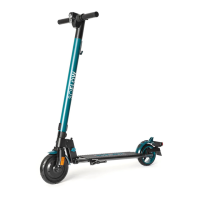
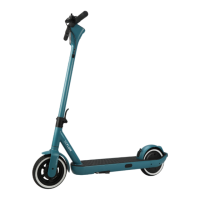
3.2 Montage
Assemble your SO4 2nd GEN / SO4 3rd GEN/ SO4 PRO / SO4 PRO 2nd GEN
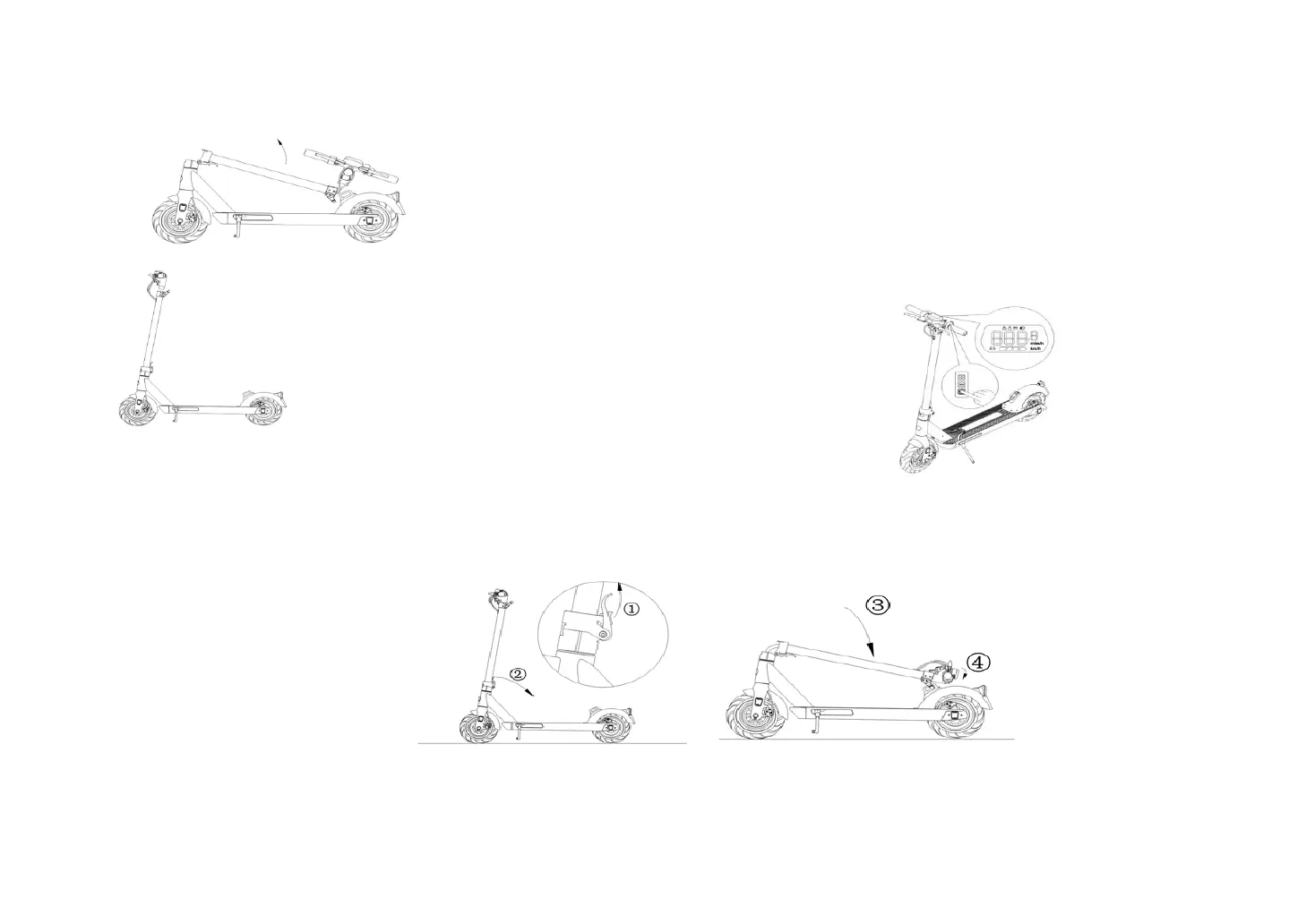
1. straighten the front bar as shown in the figure. Push the folding lever firmly as shown in the illustration
to lock the front bar. Please check the tyre pressure. The tyre pressure should be 2,5bar.
2. Insert the exposed cable into the front bar. Then insert the handlebar into the front bar as well. Use the tool and screws to
bolt the handlebar to the front bar.
3. After assembly, test whether the SO4 2nd GEN / SO4 3rd GEN/ SO4 PRO / SO4 PRO 2nd GEN can be switched on.
Folding / Storage of the SO4 2nd GEN / SO4 3rd GEN/ SO4 PRO / SO4 PRO 2nd GEN
Before folding the SO4 2nd GEN / SO4 3rd GEN/ SO4 PRO / SO4 PRO 2nd GEN, make sure that the scooter is switched off. Press the buckle as shown in the illustration
and pull the lever down. Fold the front bar down to the rear mudguard and lock the hook on the buckle on the mudguard.
Instructions on adjusting the dics brake



 To Next Page
 Loading...