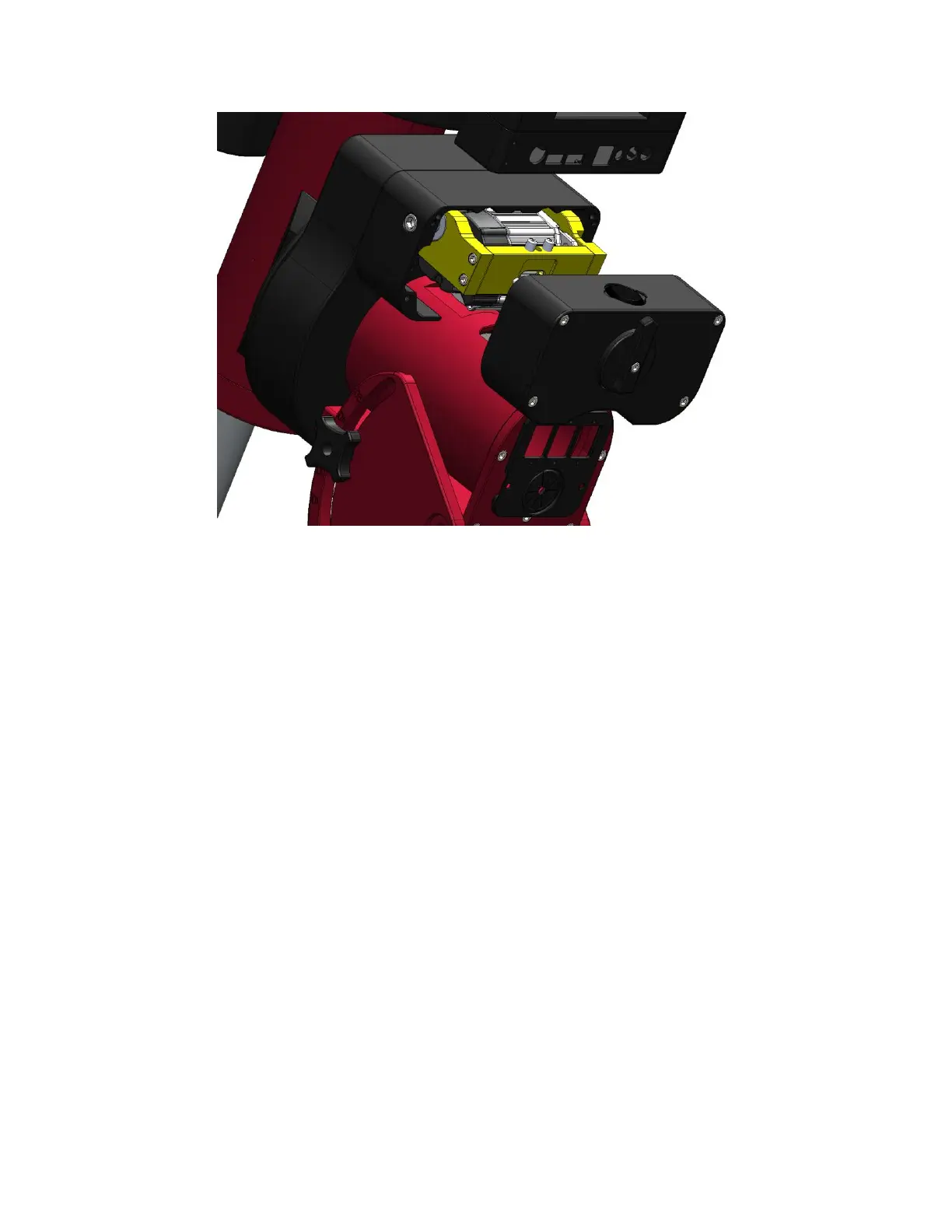
Figure 7: Removing cover from Paramount MYT
Step 2: Unplugging the Sensor Electronics
Figure 8 shows the homing sensor cable in the mount. Gently pull the connector straight out, away from
the mount to unplug it. Make a note of which side the long tab is on so that the replacement cable can
be plugged in the same way.



 To Next Page