EasyManua.ls Logo

Software Bisque Paramount MX - User Manual

Software Bisque Paramount MX
138 pages
Print Icon
To Next Page IconTo Next Page
Loading...
2011 Software Bisque, Inc. All rights reserved.
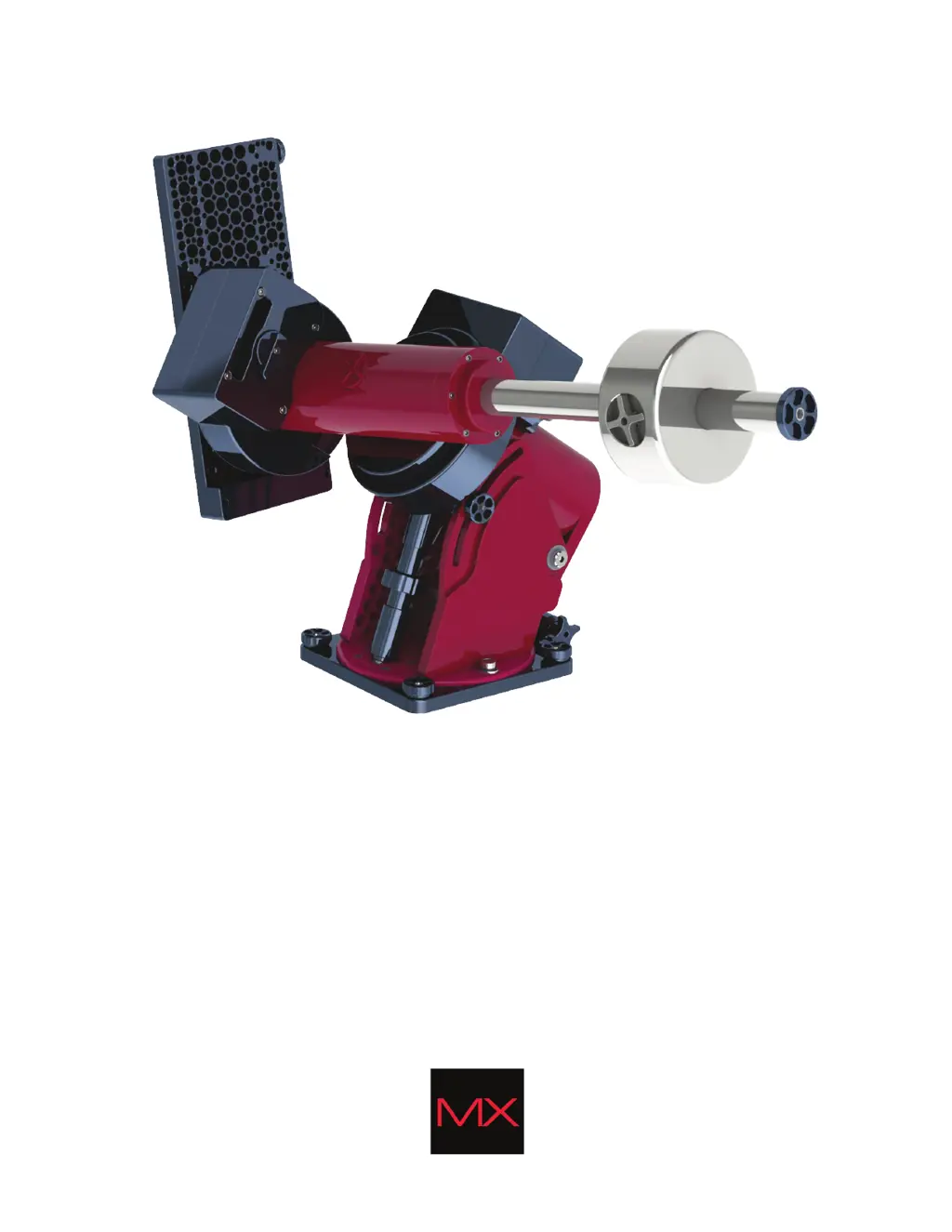
Paramount MX
Robotic Telescope System
User Guide
Revision 1.25

Table of Contents

Other manuals for Software Bisque Paramount MX

Questions and Answers

Summary

Introduction and Safety

Telescope Operation Disclaimer

Critical warning about mount movement limits and potential damage.

Sun Warning

Critical safety warning against observing the Sun through the telescope.

Paramount MX System Overview

The Paramount MX

Overview of the ultra-precision German equatorial mount.

Paramount MX Components

Identification of major physical parts of the mount.

Coordinate Systems

Explanation of horizon and equatorial coordinate systems.

Initial Setup and Configuration

Getting Help

Information on obtaining support and assistance.

What You Need to Know

Essential astronomy concepts for operating the mount.

Homing and Synchronization

Procedures for mount initialization and alignment.

Setting the Computer’s Clock

Method for accurately setting the computer's clock.

Parking the Paramount MX

Steps to slew the mount to a defined park position.

How To Polar Align

Detailed procedures for performing polar alignment.

TheSkyX Professional Edition Integration

How to use TheSkyX for mount control.

First Time Paramount MX Setup

Step-by-step guide for initial mount setup.

Paramount MX USB Driver Installation

Instructions for installing the necessary USB driver.

Mount Operation and Software Control

The Bisque TCS Window

Overview of the TCS window for settings and status.

Parameters Tab Configuration

Details on common and advanced mount parameters.

Periodic Error Correction

Managing periodic error curves for improved tracking.

Utilities Tab Functions

Access to control system settings and utilities.

Hand Controller Settings

Configuring slew rates for the hand controller.

Advanced Features and Troubleshooting

Slew Rate Adjustment Based On Temperature

Adjusting slew rate based on internal temperature.

Software Slew Limits

Configuring limits to prevent pier collisions.

Troubleshooting Mount Operation

Solutions for common operational problems.

Longer USB Cable Runs and USB Hubs

Recommendations for reliable USB connectivity.

Using ProTrack

Software technology for improving tracking accuracy.

Appendices

Appendix A: MKS 5000 USB Windows Driver

Step-by-step driver installation for Windows.

Appendix B: Technical Drawings

Information on accessing technical drawings.

Appendix C: External Power Cable Sets

Specifications for external power cables.

Appendix D: Paramount MX Warranty

Details of the limited warranty.

Software Bisque Paramount MX Specifications

General IconGeneral
Mount TypeGerman Equatorial
Drive SystemDirect Drive
TypeGerman Equatorial Mount
Software CompatibilityTheSkyX Professional Edition
Load Capacity125 lbs (56.7 kg)
Right Ascension Periodic Error< 0.1 arcsec RMS
Declination Periodic Error< 0.1 arcsec RMS
CommunicationUSB, Ethernet

Related product manuals