Paramount MX User Guide
121 | Page
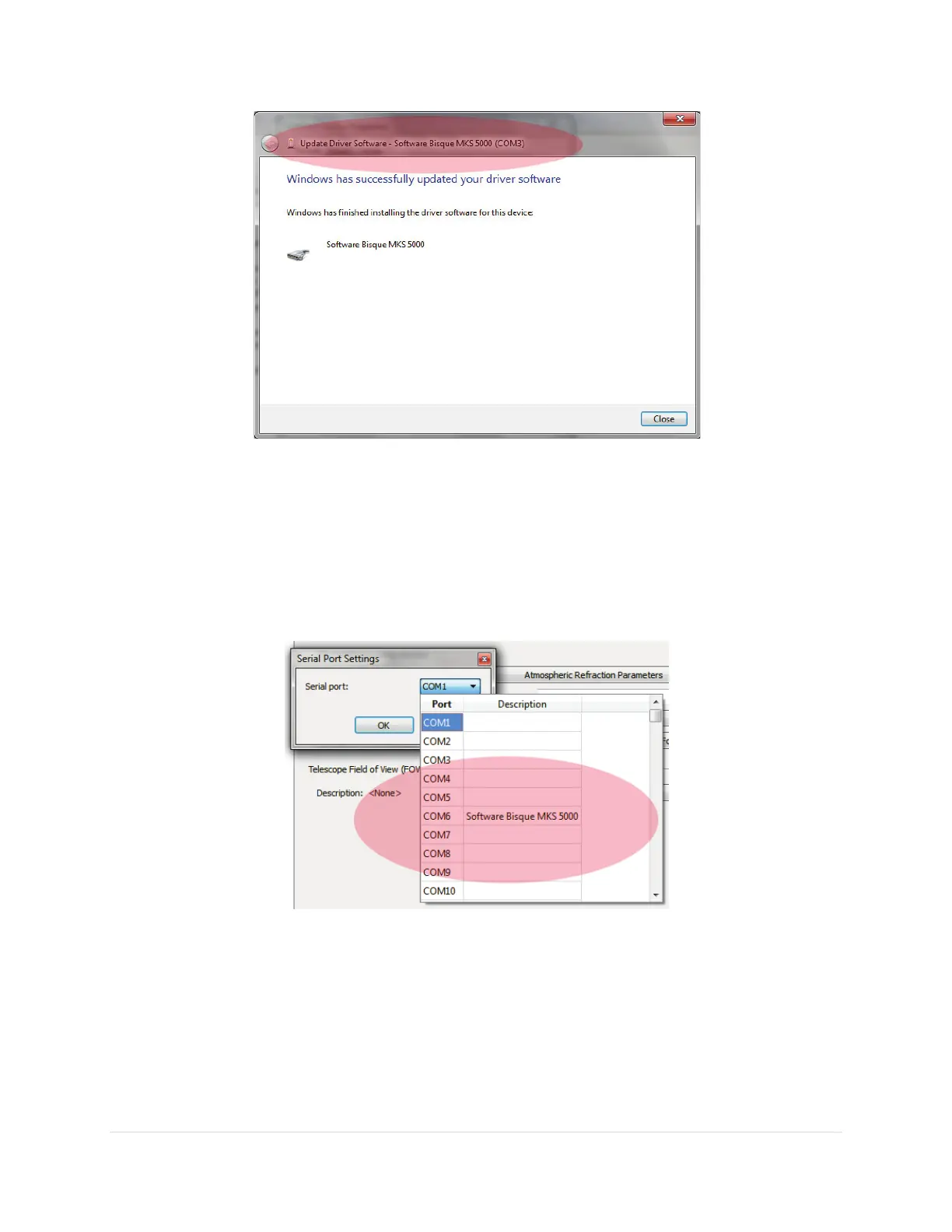
Figure 63: The Software Bisque MKS 5000 Driver is successfully installed. Note the COM port number in the caption.
Use this COM port number when configuring the Paramount MX from TheSkyX Professional
Edition’s mount Settings window.
12. From TheSkyX Professional Edition’s mount Settings window, select the COM port on the
Telescope > Telescope Setup > Mount Setup pop-up > Settings > Serial Port list (Figure 64) with
the description Software Bisque MKS 5000.
Figure 64: Selecting the COM port from TheSkyX Professional Edition.
The Windows Device Manager can also be used to determine the COM port number that is assigned to
the MKS 5000.
Accessing Windows Device Manager
If necessary, use the Windows Device Manager to determine the COM port number that is assigned to
the MKS 5000 driver.



 To Next Page