Paramount MX User Guide
100 | Page
Click the Save button to save this curve into the Paramount's PEC table (that is, the curve is
saved in the control system's flash RAM for permanent use).
Step 4 Apply PEC Corrections
1. From TheSkyX Professional Edition, connect to the Paramount by clicking the Connect
command on the Telescope menu.
2. Open the Bisque TCS window (see page 75).
3. Click the Periodic Error Correction tab.
4. Turn on the Apply PEC Corrections checkbox.
Your Paramount will now use the optimal PEC curve for the errors in your worm/gear.
Utilities Tab
The Utilities tab provides access to higher-level control system settings.
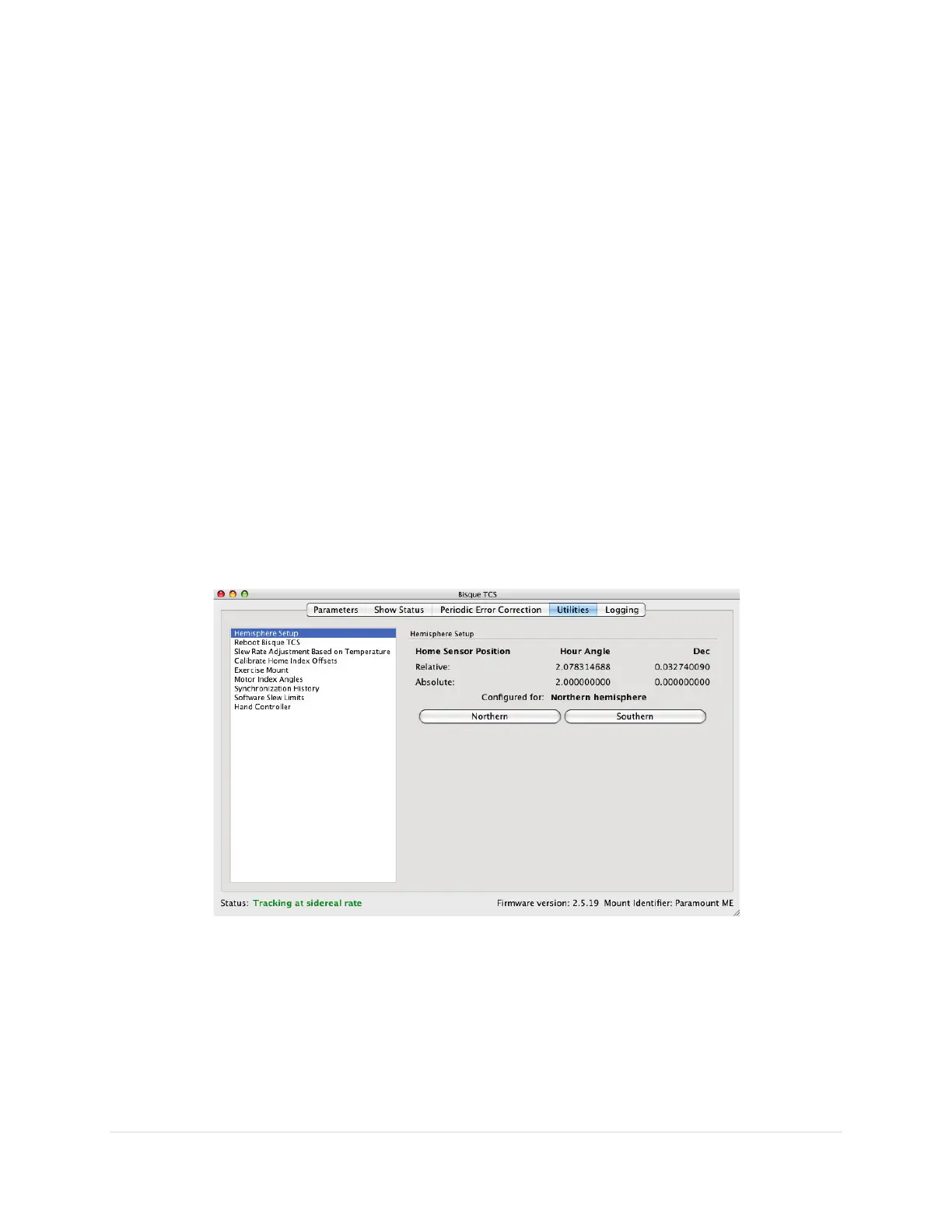
Hemisphere Setup
Click the Hemisphere Setup text on the right side of the Utilities tab to configure the mount’s tracking
direction and show hemisphere-specific mount status. (The home sensor values are shown only when
the mount is connected.)
Figure 47: Example hemisphere settings for the northern hemisphere.



 To Next Page