Paramount MX User Guide
99 | Page
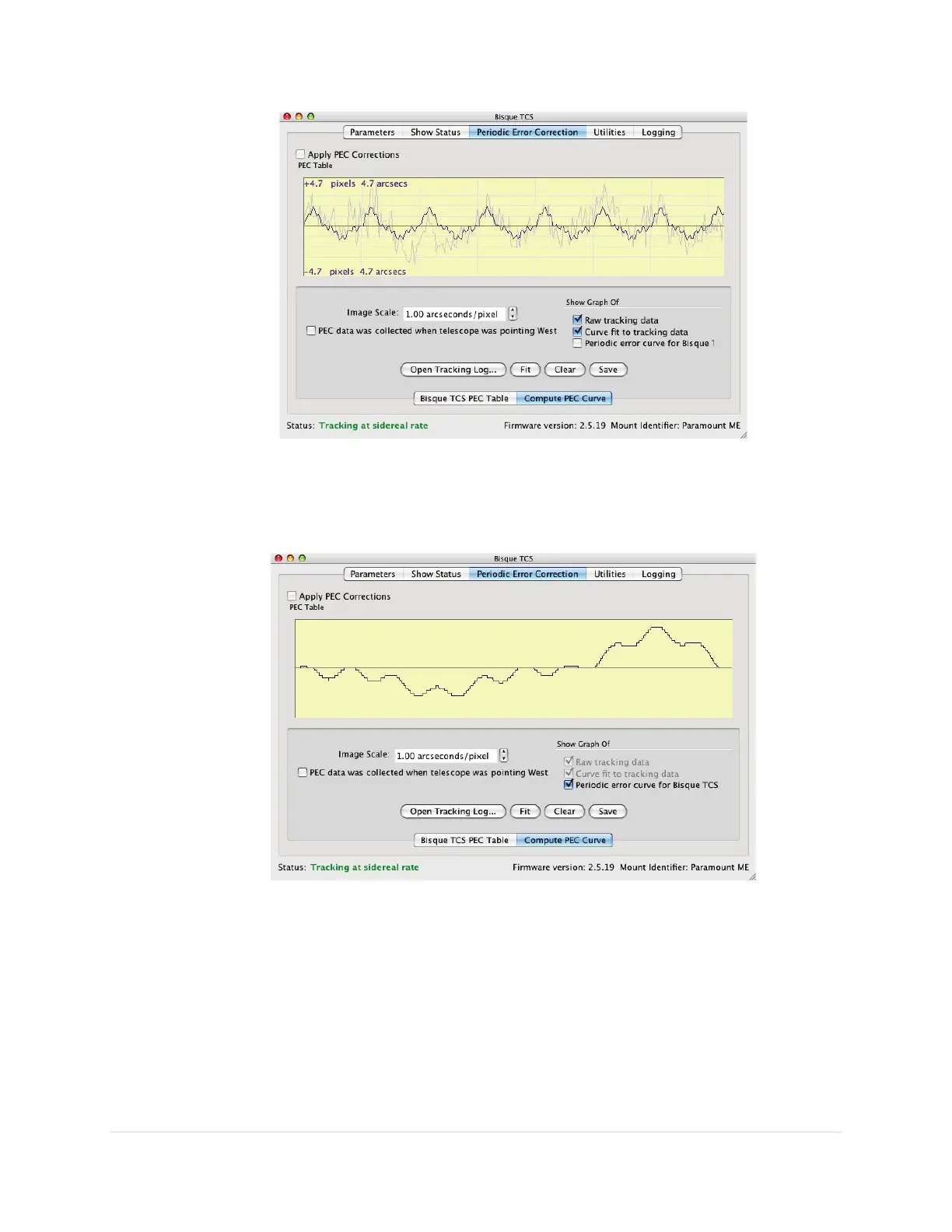
Figure 45: After clicking the Fit button, the graphs show both the raw and “fitted” data.
8. Click the Final option to display the graph of the curve that will be transferred to the
Paramount control system's PEC table.
Figure 46: This periodic error curve should be saved to the mount's PEC table.
The above PEC curve is not "smooth" by design. The Final graph shows the minimum
resolution for mount "moves" (approximately 0.01 arcseconds) when applying periodic error
corrections. This data is saved to the control system's Flash RAM, and will be always be used
to correct the mount's periodic error (provided the Apply PEC Corrections checkbox is turned
on).
Save the PEC Curve to the Paramount Firmware



 To Next Page