Paramount MX User Guide
75 | Page
Turning Tracking Off
Turn Tracking Off command from the Tools pop-up menu
on the Telescope window
Unparking
Unpark command from the Shut Down pop-up menu on the
Telescope window
Virtual Mount
Virtual Mount command from the Tools pop-up menu on
the Telescope window
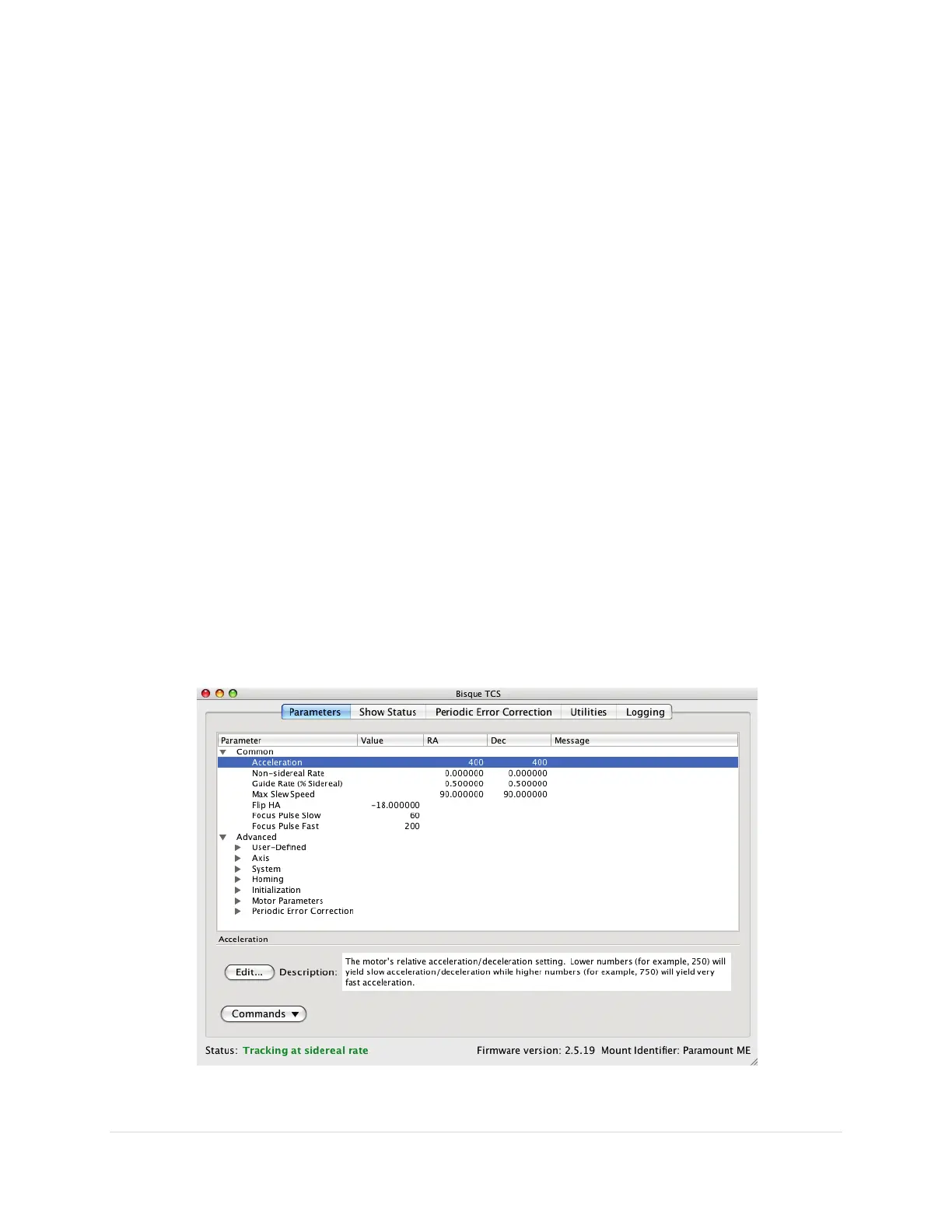
The Bisque TCS Window
The Bisque TCS window can be used to set every Bisque TCS parameter directly from TheSkyX
Professional Edition. Earlier versions of TheSky required a separate application to view and configure
advanced settings.
The Bisque TCS window also allows saving and restoring the mount’s current firmware settings, provides
advanced periodic error correction curve fitting, shows mount status, synchronization history and offers
many other useful tools for monitoring the mount’s status and providing troubleshooting information.
To view the Bisque TCS window, connect to the mount by choosing the Connect command from the
Telescope menu. Next, choose the Bisque TCS command from the Tools pop-up button on the
Telescope window. If the Telescope window is hidden, click the Telescope command from the Display
menu to show it.
Figure 36: The Parameters tab of the Bisque TCS window.



 To Next Page