Need help?
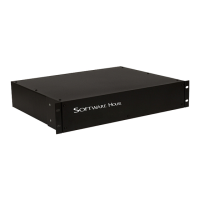
Do you have a question about the Software House PSX-GCM-RB and is the answer not in the manual?
Step-by-step guide for installing the PSX unit into a standard rack.
Steps for configuring internal settings before rack installation.
Instructions for connecting field wiring and power.
Procedure for connecting the unit to the AC power source.
Settings for input, FAI, and output modes on PSX-ISUSE models.
Configuration options for output selection on PSX-ISU models.
 General
| Model | PSX-GCM-RB |
|---|---|
| Category | IP Access Controllers |
| Communication Protocols | TCP/IP, RS-485 |
| Operating Humidity | 0% to 95% non-condensing |
| Inputs | 4 supervised inputs |
| Power Supply | 12 to 24 VDC |
| Outputs | relay outputs |
| Reader Ports | 2 |
| Certifications | UL294, CE |


 To Next Page