Need help?
Do you have a question about the Software House PSX Series and is the answer not in the manual?
Definitions of symbols used throughout the manual for clarity and safety.
Covers safety warnings, FCC compliance, and general regulatory information.
Explains positional references and conventions used in the manual for consistent interpretation.
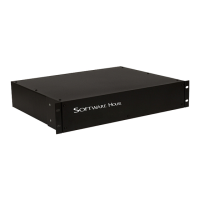
Overview of the PSX rackmount power supply series, its features, and benefits.
Procedure for installing the PSX series into a standard 19" equipment rack.
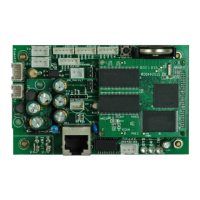
Visual identification and description of the PSX rackmount power supply components and ports.
Steps for configuring internal settings, voltage, and detection before rackmount installation.
Detailed guide for making field wiring connections to the PSX power supply terminals.
Information on connecting and using the FAI (Fire Alarm Interface) input for output control.
Instructions for connecting the PSX series power supply to the AC power source.
Overview of accessing PSX series units via Ethernet for monitoring and control.
Steps to remove the faceplate for accessing front boards and configuration settings.
Guides for configuring output zones for PSX-ISUSE and PSX-ISU models.
Details on disabling faults and understanding status LEDs for PSX-ISU/ISUSE.
Information on configuring remote access via Ethernet for PSX-N models.
Detailed electrical characteristics and ratings for PSX models.
Ambient and storage temperature ranges for all PSX models.
Physical dimensions and weight information for the PSX rackmount units.
 General
| Brand | Software House |
|---|---|
| Model | PSX Series |
| Category | IP Access Controllers |
| Language | English |

 To Next Page