BRIDGEWORK
SIC3-RFK & AUTOCONNECT
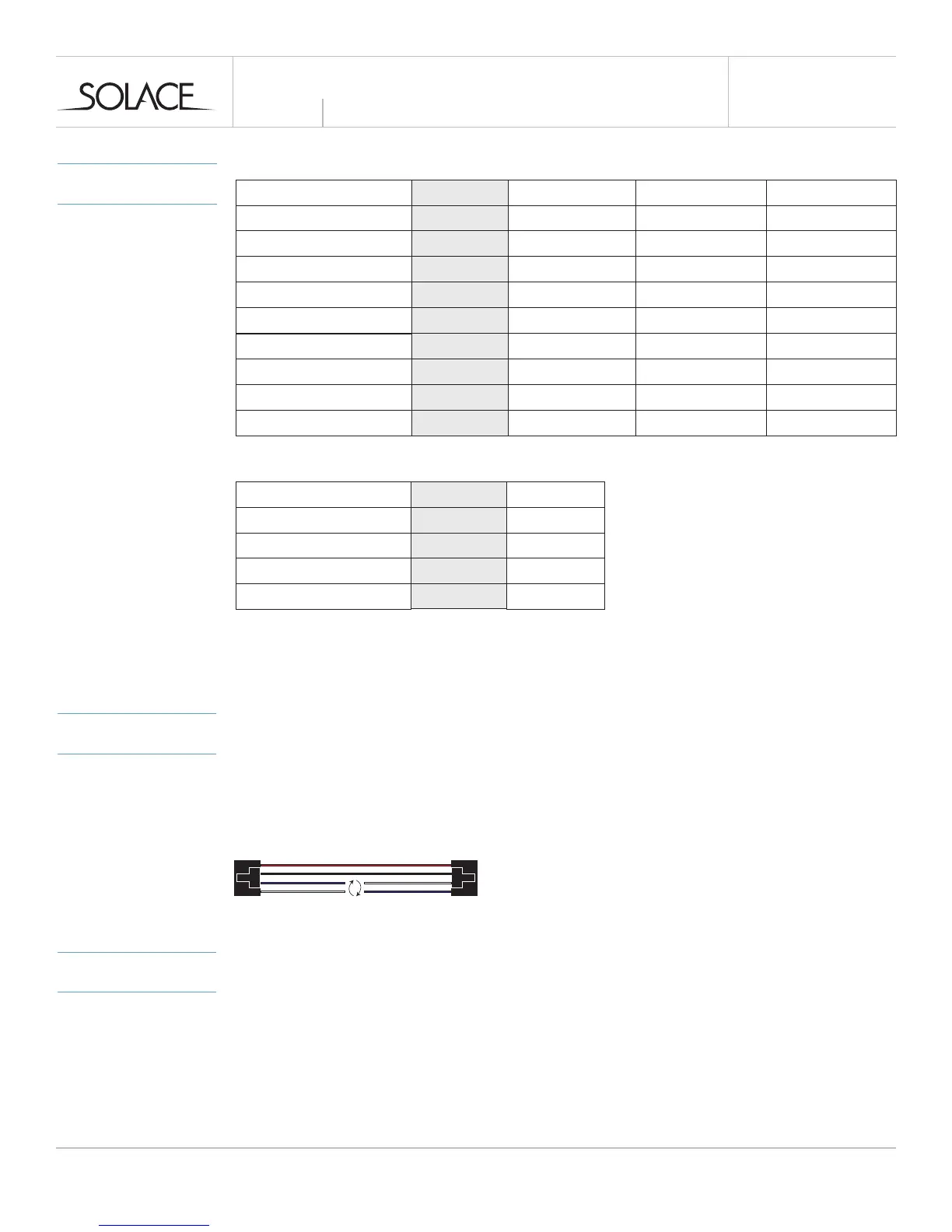
When adding an Autoconnect with this module, swapping the RX / TX lines on supplied cable(s)
may be required depending on installation. See image below
Connect SIC3-RFK to one of the data ports on the IC3 supplied with Autoconnect.
MORE INFO
INSTALL GUIDES & BYPASS MODULES
When using the SIC3-RFK in conjunction with a remote starter and/or bypass module please visit
www.solaceremotestarters.com/manuals for a complete guide on how to program and connect
the units together.
INSTALLATION
GUIDE
MODEL
OPTIONS
MENU 1*
1-01 Ignition Locks
Option 1 Option 2 Option 3
1-02 Lock / Unlock Options
1-03 Lock Pulse Timing
1-04 Unlock Pulse Timing
1-05 Trunk Pulse Timing
1-07 Park Light Output
1-08 Start / Stop Pulses
1-09 Auxiliary Timing
1-10 Auxiliary Timing
Enabled
Both 1x
0.8 Secs.
0.8 Secs.
0.8 Secs
On
1x On / Off
0.8 Secs
0.8 Secs
Disabled
Lock x1 / Unlock x2
100 mS
100 mS
100 mS
Off
2x On / Off
Latched
Latched
Unlock Only
Lock x2 / Unlock x1
3 Seconds
3 Seconds
3 Seconds
3x On / Off
2 Secs.
2 Secs.
Option 4
Lock x2 / Unlock x2
8 Seconds
8 Seconds
8 Seconds
4 Secs.
4 Secs.
solaceremotestarters.com
REV112316
SIC3-RFK
Menu 2*
2-01 Start / Stop Output
Option 1 Option 2-8
2-02 Lock Output
2-03 Unlock Output
2-04 Trunk Output
Start / Stop
Lock
Unlock
Trunk Release
See Table
See Table
See Table
See Table
*Programming must be done with the SHHP-BT
Option 2 Park Lights ( - )
Option 3 Horn ( - )
Option 4 GWA ( - )
Option 5 Aux 1 ( - )
Option 6 Aux 2 ( - )
Option 7 Disarm ( - )
Option 8 Rearm ( - )



 To Next Page
 Loading...