31
Solarpower24.it by Barba S.r.l. – via Locchi, 3F – 47122-Forlì – Italia
Tel/What’s up +39 05431995799 – web www.solarpower24.it – email solarpower24@solarpower24.it
:
Re-write
internal
parameters
This function is to over-write all parameter settings (TEXT file) with settings in the On-The-Go
USB disk from a previous setup or to duplicate inverter settings. Please check with your dealer
or installer for detail instructions.
:
Export data
log
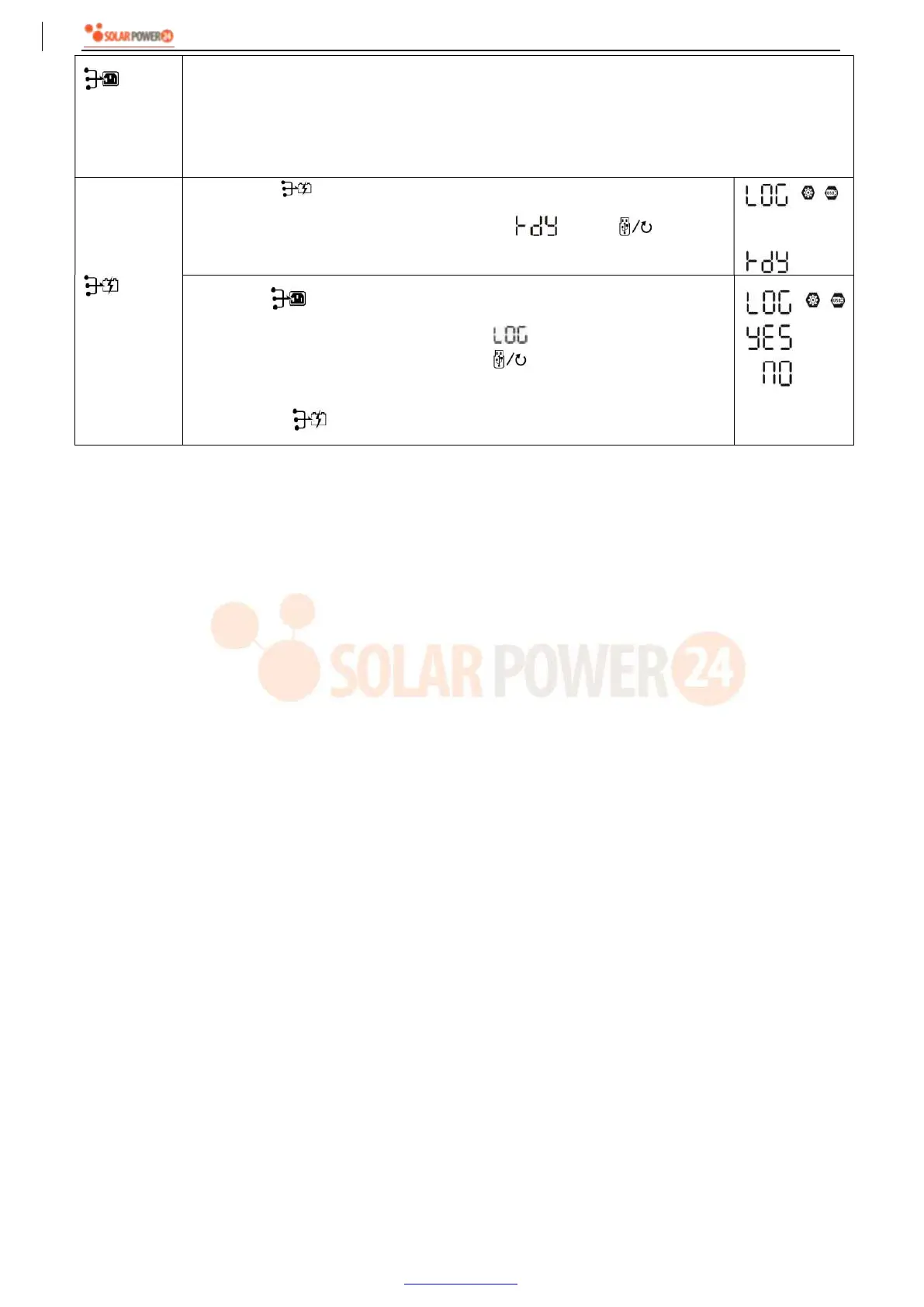
By pressing “ ” button to export data log from the inverter to USB disk. If
the selected function is ready, LCD will display “ ”. Press “ ” button to
confirm the selection again.
Press “ ” button to select “Yes”, LED 1 will flash once every second
during the process. It will only display and all LEDs will be on after
this action is complete. Then, press “ ” button to return to main
screen.
Or press “ ” button to select “No” to return to main screen.
If no button is pressed for 1 minute, it will automatically return to main screen.



 To Next Page