Operation Method
41
A) Inverter Yield
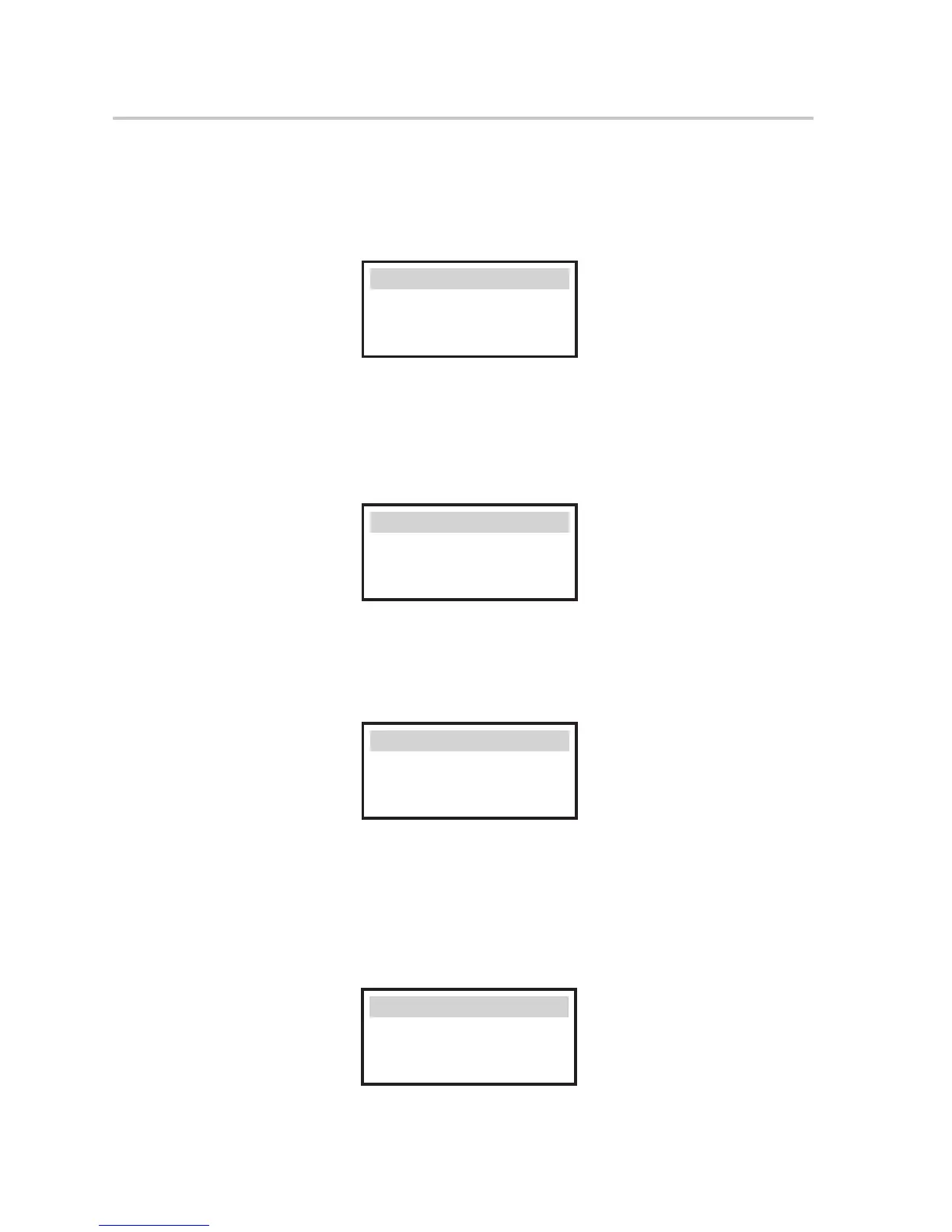
The inverter yield function contains the energy generated by today, yesterday,
this month, last month and total. Press up and down button to review the
parameter. Press “ESC” to return to History .
>Today:
00.0KWH
Inverter Yield
B) Charger Yield
The charger Yield function contains the energy generated from battery by today,
yesterday, this month, last month and total.
Press up and down button to review the parameter. Press “ESC” to return to
History .
C) Error Logs
The Error logs contain the error information happened, Which can record for
three items.
Press up and down button to review the parameter. Press “ESC” to return to
History .
>Today:
00.0KWH
Charger Yield
>
No error
Error logs
● Settings
Setting function is used for setting the inverter for time, connection, battery,
Ethernet, Grid and so on.
Since this function will change the inverter’s parameter, the end user with
the user password as”0000" have the limited authority to change the settings.
We need installer password to do most of the professional settings.
Safety
Date time
Connection
Settings



 To Next Page
 Loading...