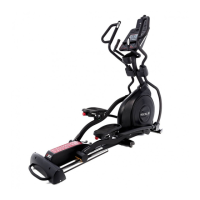
OPERATIONOFYOU [IPTICAL
GETTING FAMILIAR WITH THE CONTROL PANEL
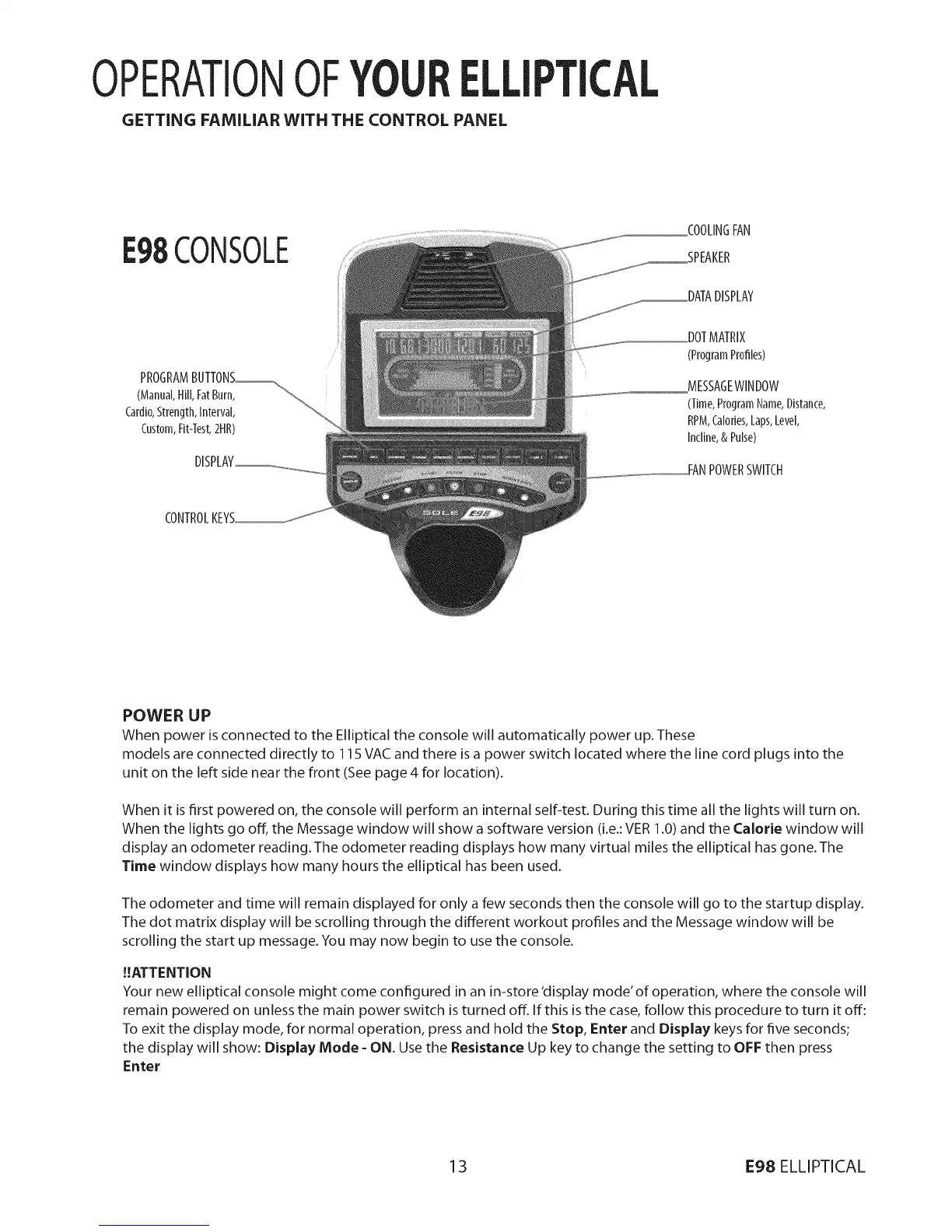
E98CONSOLE
PROGRAMBUTTONS_
(Manual,Hill,FatBurn, _
Cardi0,Strength,Interval,
Custom,Fit-Test,2HR)
CONTROL
COOLINGFAN
_SPEAKER
_DATA DISPLAY
DOTMATRIX
(Pr0gramPr0files)
MESSAGEWlNDOW
(Time,ProgramName,Distance,
RPM,Calories,Laps,Level,
Incline,& Pulse)
POWERSWITCH
POWER UP
When power is connected to the Elliptical the console will automatically power up. These
models are connected directly to 115 VAC and there is a power switch located where the line cord plugs into the
unit on the left side near the front (See page 4 for location).
When it is first powered on, the console will perform an internal self-test. During this time all the lights will turn on.
When the lights go off, the Message window will show a software version (i.e.:VER 1.0) and the Calorie window will
display an odometer reading. The odometer reading displays how many virtual miles the elliptical has gone. The
Time window displays how many hours the elliptical has been used.
The odometer and time will remain displayed for only a few seconds then the console will go to the startup display.
The dot matrix display will be scrolling through the different workout profiles and the Message window will be
scrolling the start up message. You may now begin to use the console.
!!ATTENTION
Your new elliptical console might come configured in an in-store 'display mode' of operation, where the console will
remain powered on unless the main power switch is turned off. If this is the case, follow this procedure to turn it off:
To exit the display mode, for normal operation, press and hold the Stop, Enter and Display keys for five seconds;
the display will show: Display Mode - ON. Use the Resistance Up key to change the setting to OFF then press
Enter
13 E98 ELLIPTICAL


 To Next Page
 Loading...