16
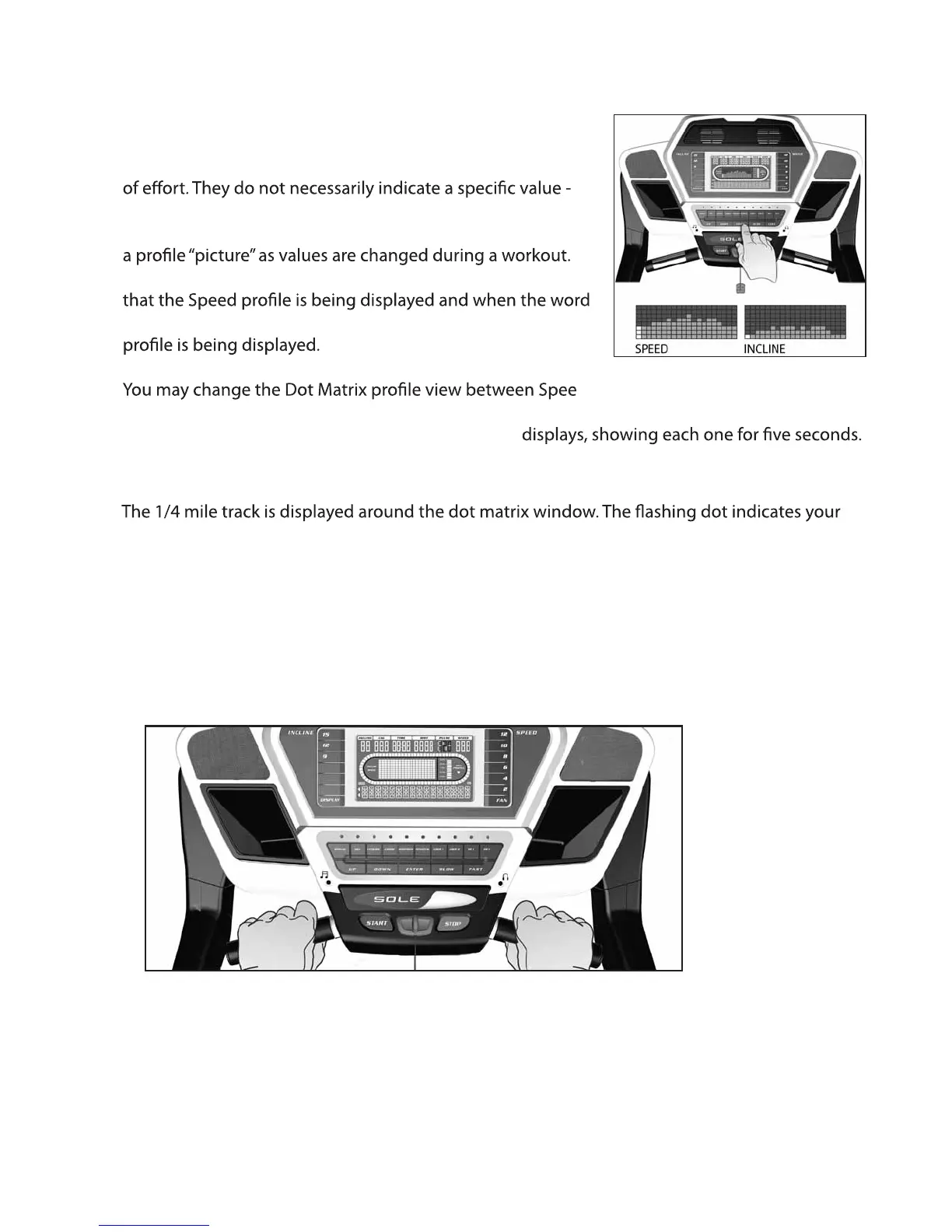
DOT MATRIX CENTER DISPLAY
Twenty columns of dots, 8 high for F80 or 24 columns of dots,
10 high for F83/85 indicate each segment of a workout. The
dots are only to show an approximate level (speed/incline)
only an approximate percent to compare levels of intensity.
In operation, the speed/incline dot matrix window will build
When the word “Speed” is lit left of the dot matrix it indicates
“Incline” is lit left of the dot matrix it indicates the Incline
d, Incline and Laps by pressing the ENTER
button. After pressing enter to view the three options, pressing the enter button a fourth time will
automatically alternate the Speed, Incline and Laps
PULSE FEATURE
The Pulse (Heart Rate) window will display your current heart rate in beats per minute during
the workout. You must use both stainless steel sensors on the front cross bar to display your
pulse or wear the wireless chest strap. The pulse value will display anytime the upper display is
receiving a pulse signal.
1/4 MILE TRACK
progress. The number of laps you complete are accumulated in the lap counter, which is viewed
in the Dot Matrix window.
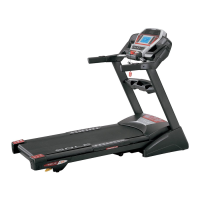
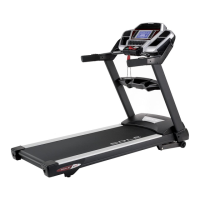
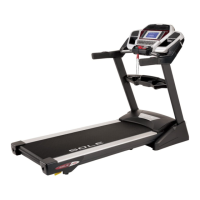
F83 / F85 TREADMILL


 To Next Page