12
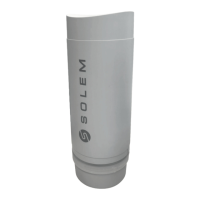
1. Unscrew the LR-IP’s cap.
3. Launch MySOLEM app from your smartphone and/or tablet.
2. Plug the 9V 6LR61 or 6AM6 battery and screw the cap.
5. Choose the LR-IP from the available controllers list.
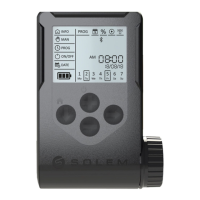
7. To nish your LR-IP pairing, follow the next steps described
in the app.
6. (Optional) Dene a name and a security key for you controller and
tap on the button «Validate».
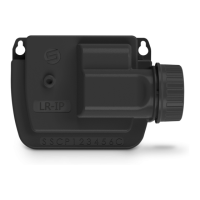
Note : To identify your LR-IP among the nearby controllers, please
refer to the «Default name» present on his product label.
4. Tap on the «Add a controller» button or on the «+» button.
Step 2
PAIRING


 To Next Page