13
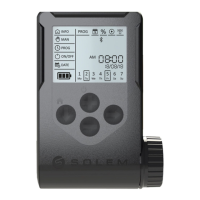
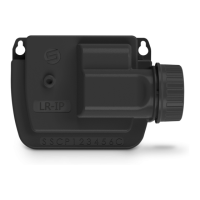
To optimize the radio connection between the two controllers,
we advise to install the LR-IP in a plastic valve box under 800
meters to the LR-MB. We also advise to associate all your
LR-IPs near the LR-MB before installing them separately in the
valve boxes.
2. Tap on the top right icon p to access to the product’s information.
4. Select the LR-MB you want to use.
2. Tap on the button r to start the test.
3. Tap on «Remote Access».
1. Go back to the «Remote Access» screen.
1. Select the LR-IP programmer previously installed.
5. Tap on the button «Send» or s on the bottom of your screen to
validate.
Once the pairing nished, you can test the connection between your
LR-MB and your LR-IP:
Note :
- The message «Connection established» indicates that the
connection is reliable.
- The message «No connection established» indicates it is necessary
to bring the LR-IP closer to the LR-MB or vice versa.
Step 3
LR-MB PAIRING


 To Next Page