15
Step 5
USEFUL INFORMATION
LoRa
TM
Signals
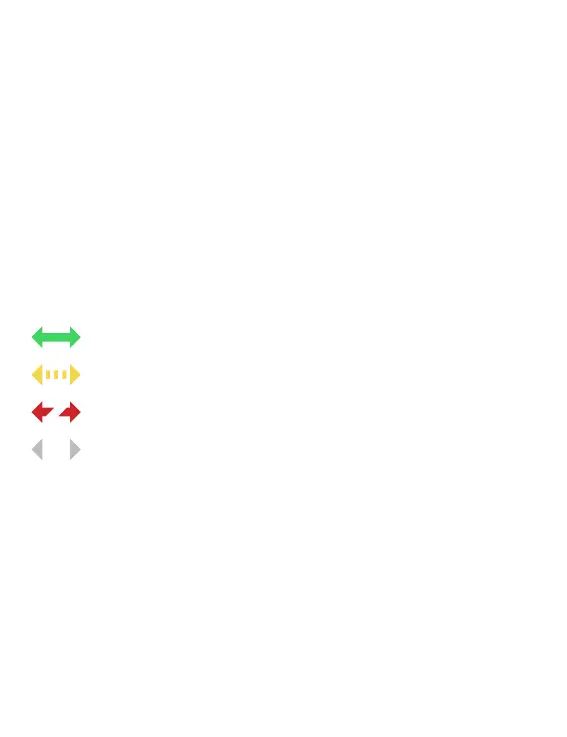
These icons indicate the last connection between LR-MB and LR-IP:
Last connection has been less than 5 minutes ago
Last connection has been between 5 and 10 minutes ago
Last connection has been more than 10 minutes ago
Connection never made
Security key
The security key allows to protect your controller. It is required only for
future installations. To dene during step 6 of “PAIRING” or accessing
to product’s information by tapping on the icon p on top right of your
screen.
Note : Tap on the icon for more information.
SETTING
For further information about the LR-IP and MySOLEM app, please
visit our website www.solem.fr and check our supplementary
documentation.


 To Next Page