EasyManua.ls Logo

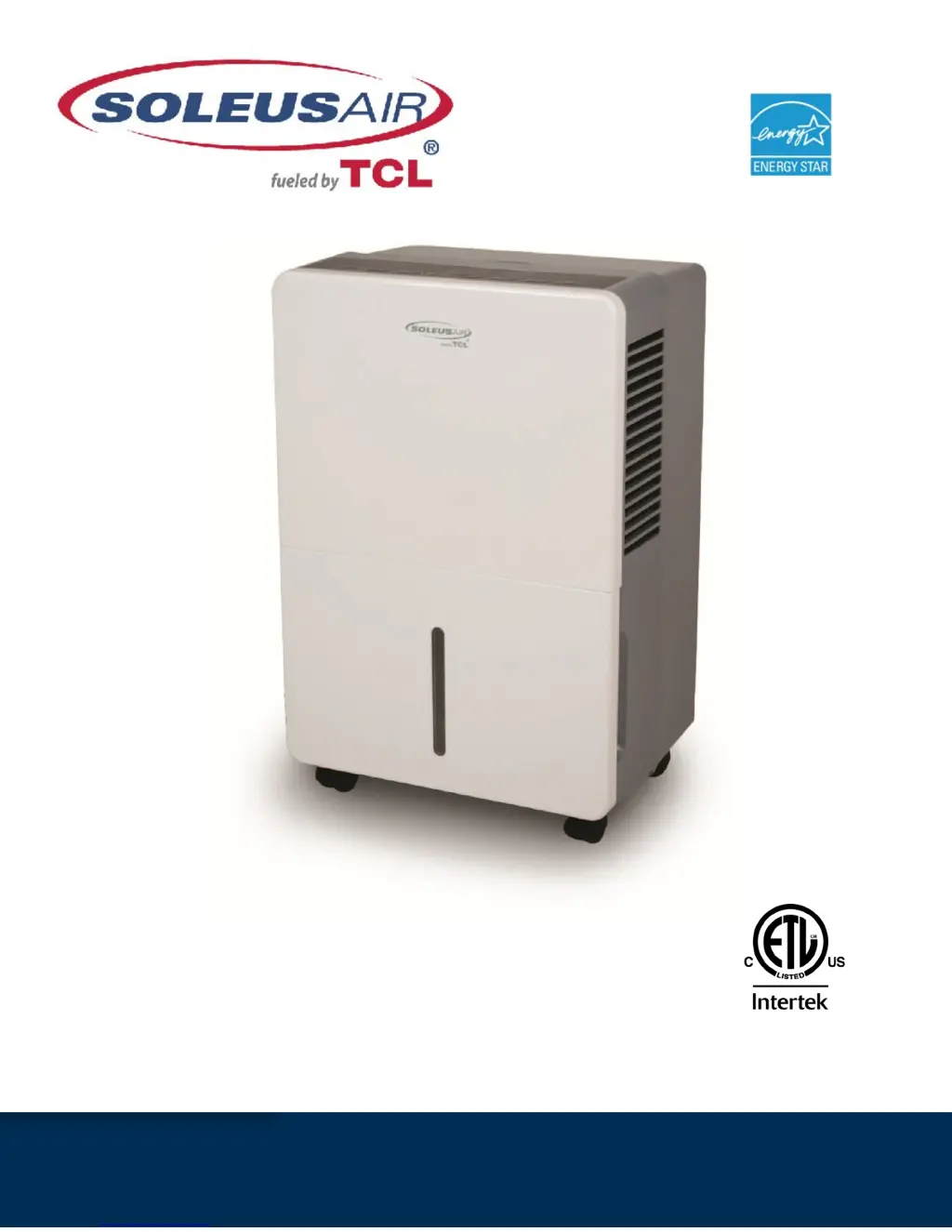
Soleus Air HCT-D70EIP-A - User Manual

Soleus Air HCT-D70EIP-A
13 pages
Print Icon
To Next Page IconTo Next Page
Loading...
3119233
V.140528
Model Number:
HCT-D70EIP-A (TDA70EIP)
Portable Dehumidifier with Internal Pump
Operating Instructions

Questions and Answers

  • C
    Caroline EllisJul 30, 2025
    How to fix a Soleus Air HCT-D70EIP-A Dehumidifier that does not start?
    • W
      Willie JuarezJul 30, 2025
      If your Soleus Air Dehumidifier isn't starting, there could be several reasons. First, ensure the dehumidifier's plug is fully inserted into the outlet. Also, check your house's fuse or circuit breaker and replace the fuse or reset the breaker if necessary. The dehumidifier might have reached its set level or the bucket could be full; in this case, adjust to a lower setting or empty the bucket and replace it correctly. Ensure the bucket is correctly positioned for the dehumidifier to operate. Lastly, after a power failure, there's a protective time delay (up to 3 minutes) to prevent compressor overload, so wait before normal operation begins.
  • M
    Michael HayesAug 3, 2025
    Why is my Soleus Air Dehumidifier not drying the air properly?
    • C
      Christopher GreerAug 3, 2025
      If your Soleus Air Dehumidifier isn't drying the air adequately, start by allowing at least 24 hours for it to reach the desired dryness after initial setup. Ensure that curtains, blinds, or furniture aren't blocking the front or back of the unit. For a dirty filter, see the CLEAN FILTER section on Page 9. Also, make sure the Humidity Control is set low enough; lower the humidity percentage or set the dehumidifier to CO for maximum dehumidification. Check that all doors, windows, and other openings are securely closed. Position the dehumidifier away from the clothes dryer, ensuring the dryer is vented outside. Remember that moisture removal is most effective at higher room temperatures, as this model is designed to operate above 41°F.
  • A
    armstronglindaAug 7, 2025
    Why does my Soleus Air HCT-D70EIP-A Dehumidifier run too much?
    • B
      Barry MuellerAug 7, 2025
      If your Soleus Air Dehumidifier is running excessively, it might be due to the area being too large for the unit's capacity. Alternatively, open doors and windows can also cause this issue. Closing all doors and windows to the outside can help.
  • J
    javierskinnerAug 11, 2025
    What to do if the controls cannot be set on Soleus Air HCT-D70EIP-A?
    • J
      Julie ChavezAug 11, 2025
      If you cannot set the controls on your Soleus Air Dehumidifier, it is normal for the compressor to turn off while the fan continues to run for about 3 minutes at a fixed setting. Wait approximately 3 minutes before setting the fan speed to your desired level.
  • J
    Julie ThompsonAug 16, 2025
    Why does frost appear on the coils of my Soleus Air HCT-D70EIP-A Dehumidifier?
    • D
      Dana GilbertAug 16, 2025
      If you see frost on the coils of your Soleus Air Dehumidifier, it's likely normal if the unit has just been turned on or if the room temperature is below 41°F. The frost should disappear within about an hour.
  • W
    wlopezAug 20, 2025
    Why is my Soleus Air Dehumidifier making fan noise?
    • T
      Tracy ReyesAug 20, 2025
      If you hear fan noise from your Soleus Air Dehumidifier, it's normal as air moves through the unit.
  • S
    Shawn OwensAug 25, 2025
    What to do if there is water on the floor near Soleus Air HCT-D70EIP-A Dehumidifier?
    • C
      Cathy WoodAug 25, 2025
      If you find water on the floor near your Soleus Air Dehumidifier, check the hose connection to ensure it's not loose. If you are using a hose, but it's not draining into a drain, disconnect the hose if you intend to use the bucket, or place the hose near a drain.

Summary

General Dehumidifier Information

Emptying the Bucket

Details on how and when to empty the water bucket, including capacity and frequency.

Features

Important Instructions

Specifications

Package Contents

Lists all items included with the portable dehumidifier.

Caster Installation

Control Panel & Digital Display

Operating Instructions

Humidity Selection

How to set the desired humidity level and enable continuous operation.

Fan Speed Control

How to adjust the fan speed for different operation modes.

Timer Functions

Setting the auto on and auto shut-off timer functions.

Bucket Full Indicator

Clean Filter

MyHome Modes

Child-Lock Mode

Internal Pump Mode

Choosing a Location

Automatic Defrost

Continuous Mode - Garden Hose Installation and Setup

Maintenance

Clean the Unit Housing

How to clean the exterior of the dehumidifier.

Storing the Unit

Steps for storing the dehumidifier for extended periods.

Troubleshooting

Warranty

Soleus Air HCT-D70EIP-A Specifications

General IconGeneral
ModelHCT-D70EIP-A
BrandSoleus Air
CategoryDehumidifier
Moisture Removal Capacity70 pints per day
Tank Capacity16.9 Pints
Coverage Area4500 sq ft
Energy Star CertifiedYes
Operating Temperature Range41°F - 95°F
Humidity Control Range35% - 85%
Noise Level51 dB
Voltage115V
Frequency60 Hz
Auto DefrostYes
Auto RestartYes
Continuous Drain OptionYes
Washable FilterYes
Digital ControlsYes
Wheels/CastersYes
Control TypeDigital
Drain Hose ConnectionYes
Timer24-hour
Smart HomeWi-Fi

Related product manuals