EasyManua.ls Logo

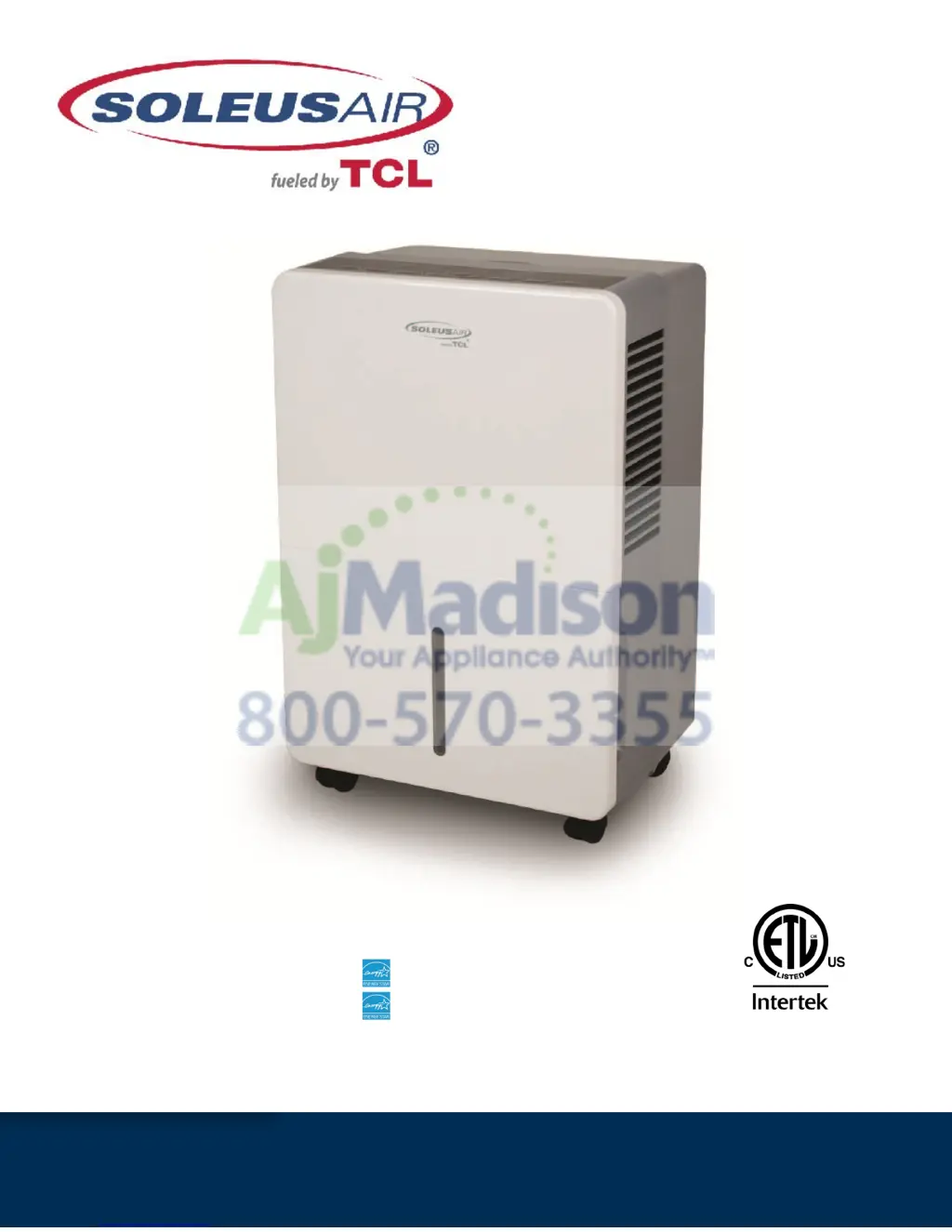
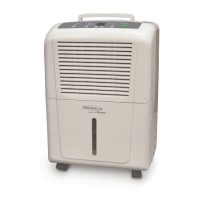
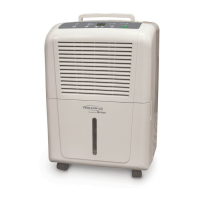
Soleus Air HCT-D45E-A - User Manual

Soleus Air HCT-D45E-A
12 pages
Print Icon
To Next Page IconTo Next Page
Loading...
3119233
V.140529
Model Numbers:
HCT-D30-A (TDA30)
HCT-D45E-A (TDA45E)
HCT-D70E-A (TDA70E)
Portable Dehumidifier
Operating Instructions

Questions and Answers

  • M
    Mrs. Michaela WoodsAug 5, 2025
    Why is my Soleus Air HCT-D45E-A Dehumidifier not drying the air properly?
    • S
      Sara CastroAug 5, 2025
      If your Soleus Air Dehumidifier isn't drying the air effectively, give it at least 24 hours after initial setup to reach the desired dryness. Ensure that curtains, blinds, or furniture aren't blocking the front or back of the unit. For drier air, lower the humidity percentage or set the dehumidifier to CO for maximum dehumidification. Check that all doors and windows are securely closed, and ensure your clothes dryer isn't blowing moist air into the room; vent the dryer outside if possible. Keep in mind that moisture removal is more effective at higher room temperatures, as this model operates best above 41°F.
  • M
    Margaret MorrisAug 21, 2025
    What to do if my Soleus Air HCT-D45E-A Dehumidifier does not start?
    • A
      Alexandra MaciasAug 22, 2025
      If your Soleus Air Dehumidifier isn't starting, ensure it's fully plugged into the outlet. Also, check your house's fuse or circuit breaker and replace the fuse or reset the breaker if needed. The unit automatically shuts off when it reaches the set humidity level or the bucket is full; adjust the settings or empty the bucket. Make sure the bucket is correctly positioned. Finally, after a power failure, there's a protective 3-minute delay to prevent compressor overload before normal operation resumes.

Summary

General Dehumidifier Information

Recommended Humidity Levels

Specifies optimal spring/summer and fall/winter humidity ranges for user comfort and unit efficiency.

Warm Air Exhaust is Normal

Explains that expelling warm air from the unit is a standard operational characteristic.

Emptying the Bucket

Details how often the bucket needs emptying based on model and moisture removal rates.

Less Moisture Removal Over Time

Explains that decreased moisture removal indicates a more stable humidity level in the area.

Water in the Bucket

Clarifies that residual water from factory testing is normal for a new unit.

Features

Important Instructions

Package Contents

Specifications

Caster Installation

Control Panel & Digital Display

Operating Instructions

Humidity Selection

Allows users to set the desired relative humidity level, from 35% to 80% or continuous operation.

Fan Speed Control

Enables selection of fan speed between High, Medium, and Low for optimal dehumidification or quiet operation.

Timer Operation

Guides on setting the unit to automatically turn on or shut off within a 24-hour period.

Choosing a Location

Automatic Defrost

Continuous Mode - Garden Hose Installation and Setup

Troubleshooting

Warranty

Soleus Air HCT-D45E-A Specifications

General IconGeneral
ModelHCT-D45E-A
TypeDehumidifier
Energy Star RatedYes
Continuous Drain OptionYes
Voltage115 V
Coverage Area3000 sq ft
Operating Temperature41°F to 95°F
Capacity45 pints per day
Noise Level51 dBA
Humidity ControlAdjustable humidistat

Related product manuals