EasyManua.ls Logo

Soleus Air GL-DEH SERIES - User Manual

Soleus Air GL-DEH SERIES
11 pages
Print Icon
To Next Page IconTo Next Page
Loading...
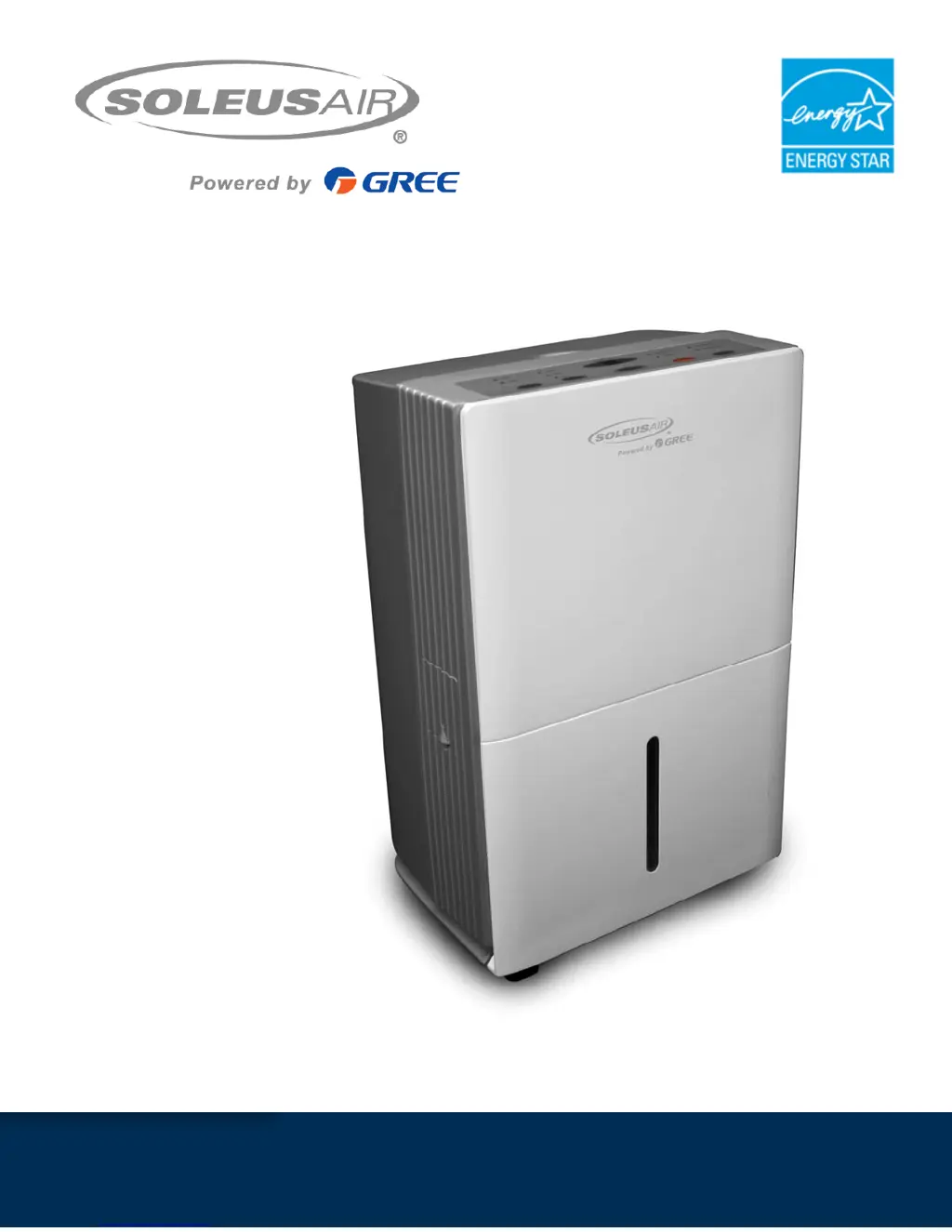
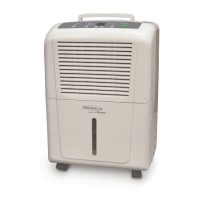
GL-DEH Series
Portable Dehumidifier
Operating Instructions

Questions and Answers

  • J
    Jennifer SmithJul 26, 2025
    Why Soleus Air GL-DEH does not dry the air as it should?
    • J
      Jeremy CooperJul 26, 2025
      If your Soleus Air Dehumidifier isn't drying the air sufficiently, consider these possibilities. When newly installed, allow at least 24 hours for it to reach the desired dryness level. Ensure that airflow isn't restricted by curtains, blinds, or furniture blocking the front or back of the unit. For drier air, lower the humidity percentage using the “-” button or set the dehumidifier to CO for maximum dehumidification. Verify that all doors, windows, and other openings are securely closed. Also, ensure the dehumidifier is placed away from the clothes dryer and that the dryer is properly vented outside. Remember that moisture removal works best at higher room temperatures, and this model is designed for temperatures above 41°F.
  • W
    Wendy MitchellAug 3, 2025
    Why Soleus Air Dehumidifier runs too much?
    • C
      Catherine FitzpatrickAug 3, 2025
      If your Soleus Air Dehumidifier runs too much, it might be due to the dehumidifying area being too large for the unit's capacity. Alternatively, open doors and windows can also cause this issue. Ensure all doors and windows to the outside are closed.
  • W
    watsoncharlotteAug 9, 2025
    What to do if I see water on the floor near Soleus Air GL-DEH?
    • C
      Cheryl FrancoAug 9, 2025
      If you find water on the floor near your Soleus Air Dehumidifier, the hose connection might be loose; check to ensure it is properly connected. If you're using a hose, ensure it's either draining into a drain or disconnected if you intend to use the bucket.
  • D
    derekdurhamAug 17, 2025
    Why my Soleus Air Dehumidifier does not start?
    • A
      ashley12Aug 17, 2025
      If your Soleus Air Dehumidifier doesn't start, several factors could be the cause. First, ensure the dehumidifier is properly plugged into the outlet. Check your house's fuse or circuit breaker and replace the fuse or reset the breaker if necessary. The dehumidifier may have reached its present humidity level or the bucket might be full; try lowering the setting or emptying the bucket. Also, make sure the bucket is correctly placed. Finally, if there was a recent power failure, there's a protective time delay of up to 3 minutes to prevent compressor overload, so wait before normal dehumidification begins.

Summary

General Dehumidifier Information

Recommended Humidity Levels

Energy Star recommended humidity levels for spring/summer (30%-50%) and fall/winter (30%-40%).

Emptying the Bucket

Explains how often to empty the bucket based on model and moisture removal rate.

Less Moisture Removal Over Time

Explains why the dehumidifier removes less moisture as the area's humidity stabilizes.

Features

Important Instructions

Package Contents

Specifications

Control Panel & Digital Display

Operating Instructions

Replace Filter

Instructions on how to clean and reset the filter indicator after 250 hours of use.

Choosing a Location

Automatic Defrost

Explains how the unit handles frost build-up on evaporator coils.

Continuous Drainage Hose

Details on attaching a hose for continuous water drainage without emptying the bucket.

Troubleshooting

Warranty

Soleus Air GL-DEH SERIES Specifications

General IconGeneral
ModelGL-DEH SERIES
CategoryDehumidifier
BrandSoleus Air
Operating Temperature41°F - 90°F
Noise Level51 dB
Power Consumption280 Watts
Voltage115V

Related product manuals