EasyManua.ls Logo

Soleus Air SG-DEH-30-2 - User Manual

Soleus Air SG-DEH-30-2
9 pages
Print Icon
To Next Page IconTo Next Page
Loading...
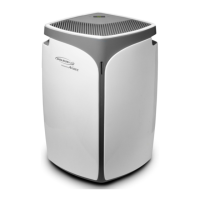
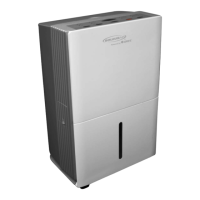
SG-DEH-30-2
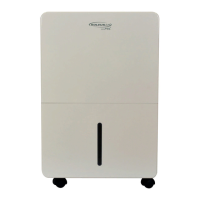
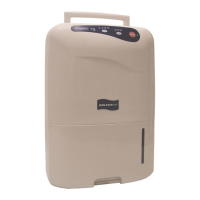
SG-DEH-45-2
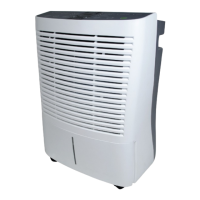
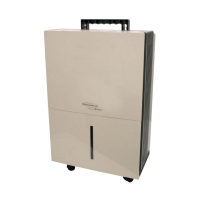
SG-DEH-70-2
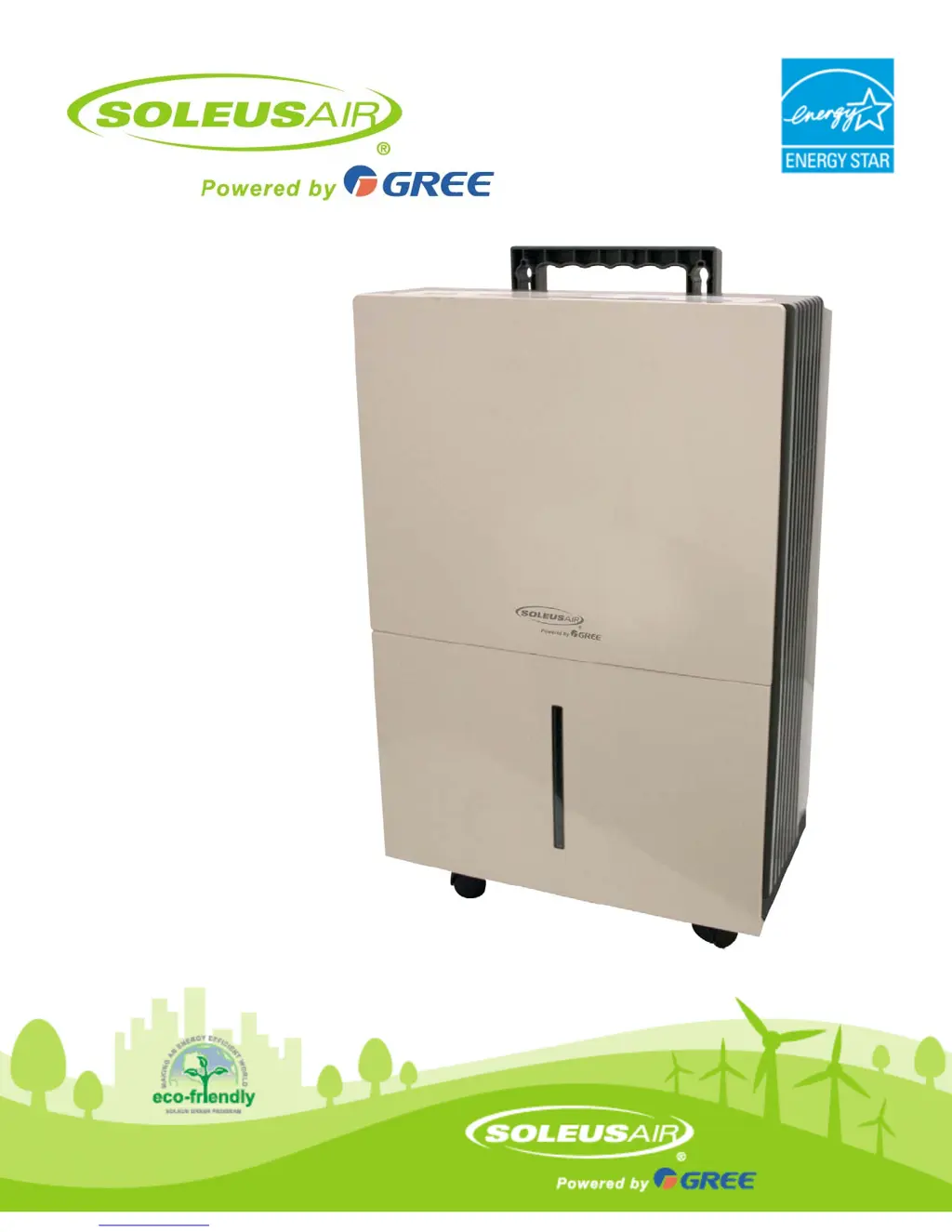
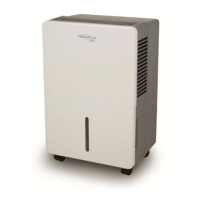
Portable Dehumidifier
Operating Instructions

Questions and Answers

Summary

Important Instructions

Package Contents

Specifications

Control Panel and Digital Display

Operating Instructions

Power On and Off

Manually turn the unit on or off using the power button.

Humidity Selection

Adjust desired room humidity level or select continuous operation.

Fan Speed Control

Cycle through High, Medium, and Low fan speeds.

Timer Function

Program the unit to automatically turn off after 2 or 4 hours.

Bucket Full Indicator

Unit stops when bucket is full; empty and replace bucket.

Replace Filter

Indicator lights up after 250 hours; clean filter and reset indicator.

Choosing a Location

Automatic Defrost

Continuous Drainage Hose

Troubleshooting

Unit Not Starting or Drying

Check power, bucket position, airflow, and initial run time.

Operational Performance Issues

Address issues like running too much, frost, or control setting problems.

Anomalous Behavior

Resolve fan noise or water on the floor issues.

Warranty Information

One Year Limited Warranty

Details coverage, exclusions, and service contact for the dehumidifier.

Soleus Air SG-DEH-30-2 Specifications

General IconGeneral
Dehumidification Capacity30 pints per day
Water Tank Capacity1.6 gallons
Energy Star RatedYes
Coverage Area1500 sq ft
Operating Temperature41°F - 95°F
Voltage115V
Humidity Removal30 Pints
Power Consumption280 watts
Noise Level51 dBA

Related product manuals