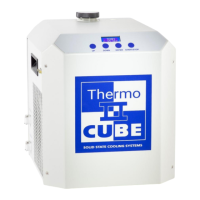
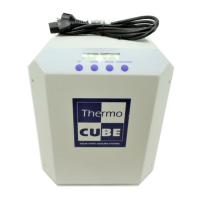
THERMOCUBE 200/300/400 THERMOELECTRIC CHILLER MANUAL 52-11300-1
SOLID STATE COOLING SYSTEMS, 167 MYERS CORNERS ROAD, WAPPINGERS FALLS, NY 12590 13
TELEPHONE: (845) 296-1300 FAX: (845) 296-1303 WEB: WWW.SSCOOLING.COM VERSION M28
MENU STRUCTURE:
UP = Increase Value
DOWN = Decrease Value
↵ Press Enter Momentarily
START/STOP = Alternately Starts or Stops temperature control
Press & Hold Enter Key 3 Sec to move from one menu to another
TEMP: XX.X°C (current temp)
RESS
OR
SETTIME1 (time at set point 1)
RESS
(to begin
controlling at SETTEMP1)
SETTIME2 (time at set point2)
TEMP: XX.X°C (current temp)
(to stop
controlling temperature)
# OF CYCLES (default = 0)
Press ENTER key once to scroll between menu items (↵).
Press and hold ENTER key for 3 seconds to move between menus ( ).
Pressing and holding ENTER key while in the Parameter Input Menu will return you to the Status Menu.
If the unit includes the AUTO RESTART option, the unit will begin temperature control when it is first
turned on using whatever Set Point was entered when the unit was powered off.
Note: If the user enters the temperature input or the parameter input menu and does not press a key for
10 seconds the display will revert back to the Status menu.


 To Next Page