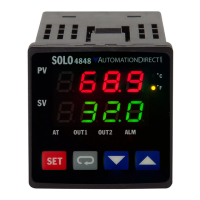
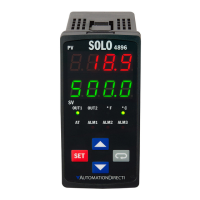
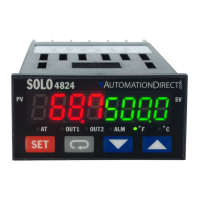
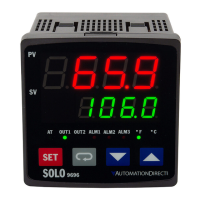
SOLO Temperature Controller
SL4848 Series
SOLO
This Quick Start Guide provides basic information on setting up the SOLO temperature controller. For
advanced setup and communication control as well as free configuration software visit the
AutomationDirect web site at www.AutomationDirect.com.
Product Support and Configuration Software
• For product support, specifications, and installation troubleshooting, a complete
User Manual can be downloaded from the On-line Documentation area of the
AutomationDirect web site.
• For additional technical support and questions, call our Technical Support team
@ 1-800-633-0405 or 770-844-4200.
• Configuration software for the SOLO controller is available for free download
at www.AutomationDirect.com. The software allows communication and
programming for up to four controllers at the same time. Parameters, process
values, set points and temperature changes can be monitored with the soft-
ware. The setup data can be uploaded to the user’s PC via RS-485 communi-
cation. The user can monitor the temperature changes of the
controllers from the “PV Monitor” Display.

 Need help?
 General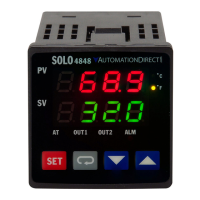

 To Next Page