USER MANUAL 23 SOLOSHOT.COM
3
2
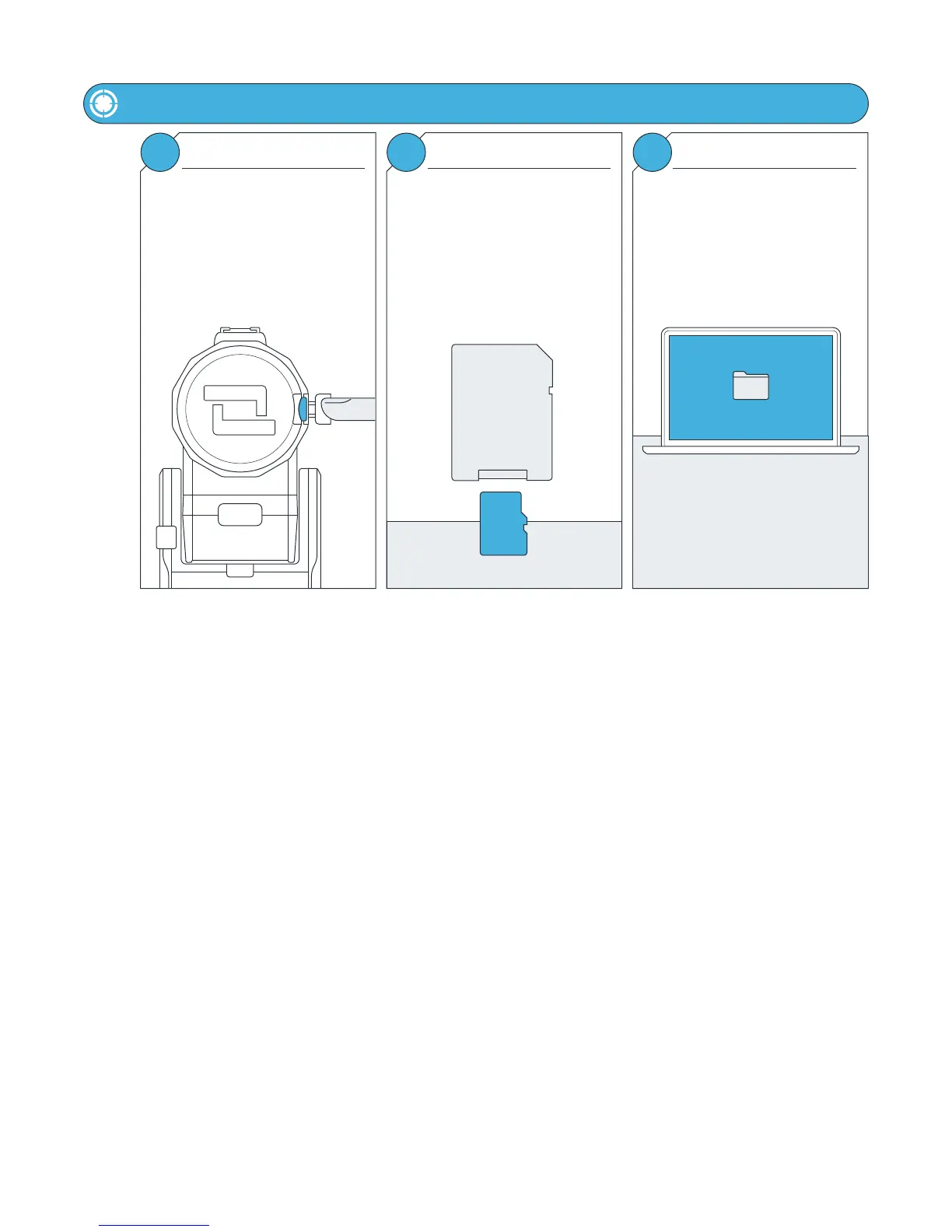
SD Card Reader and Adapter Moving DCIM Folder
Move the DCIM folder or select files
from within the folder onto your
computer.
Insert the MicroSD card into a SD card
reader. If your computer does not have
a built-in reader, an external reader will
be needed.
A MicroSD Card Adapter, below, may be
needed. This is usually included with
the MicroSD Card.
Offloading Content
1
Push the MicroSD card to eject it from
the SD card port.
Carefully remove the MicroSD Card.
Do Not use sharp/metal tools to
remove the card. This may damage the
MicroSD Card port.
Ejecting the MicroSD Card
ADAPTER
MicroSD
DCIM



 To Previous Page