09
Manual Cooking Mode
In the Manual Cooking mode, the cooking duration is
controlled by the user without a timer.
1. Rotate the Kitchen Timer Knob counter clockwise to the
M position to engage Manual Cooking mode. This will
stop the oven from automatically powering off while in
the M position.
2. Then turn both the Temperature and Function Knobs to
the required settings for your dish.
3. Once you have finished cooking, turn all the knobs
back to their original
● off positions.
Minute Minder Mode
When using the Minute Minder mode, the timer control
knob is used to set the oven to automatically power off
after your programmed number of minutes:
1. Rotate the Kitchen Timer Knob clockwise to set your
desired number of minutes (between 15–120 minutes).
2. Then turn both the Temperature and Function Knobs to
the required settings for your dish.
3. At the completion of the set duration, an alarm will
sound to indicate that cooking is complete. The oven
will then automatically power off.
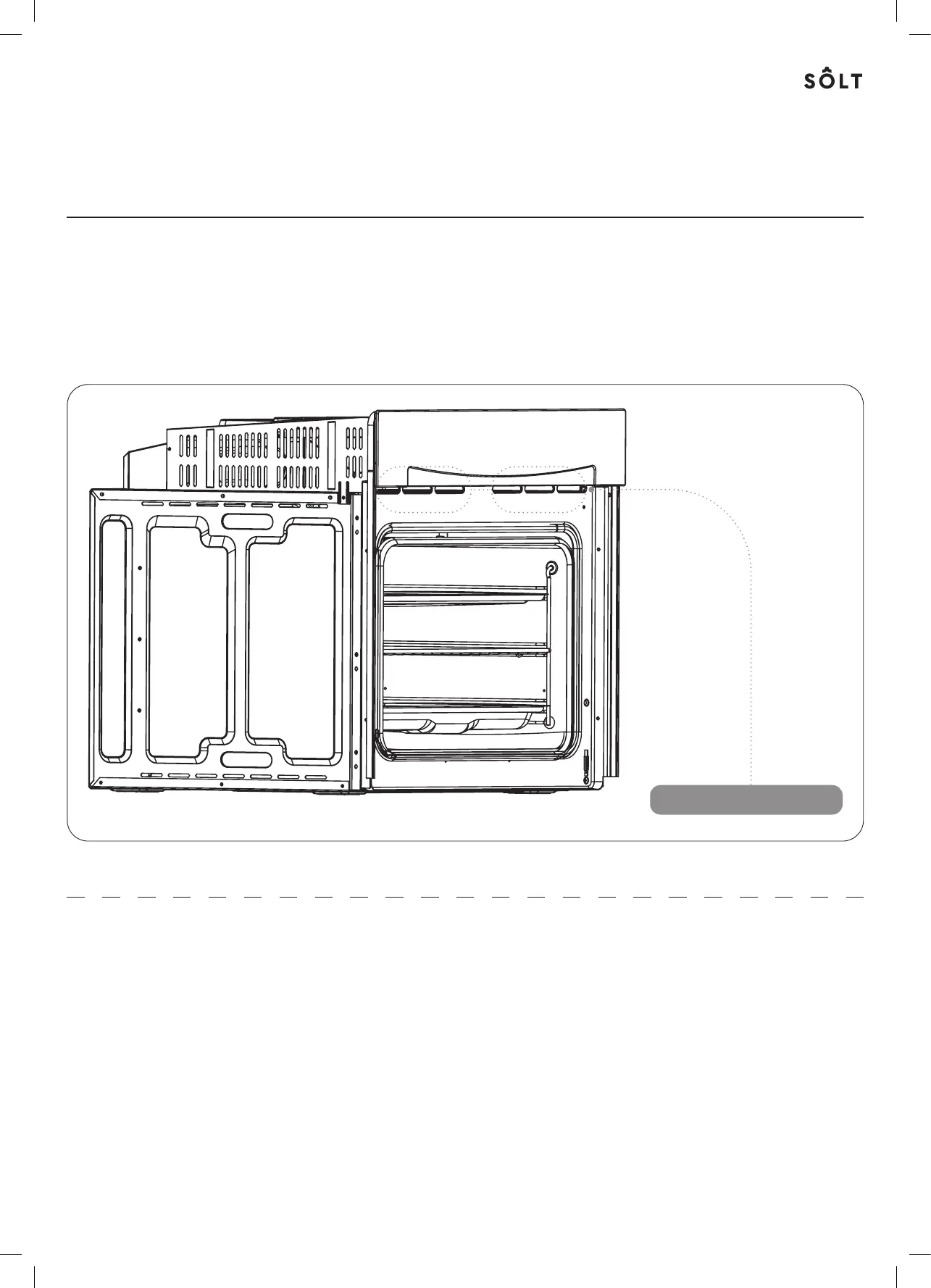
Ventiltion
When cooking is finished, or in pused or stndby stte,
nd if the oven cvity temperture is over 75ºC, the cooling
fn will operte for 15 minutes, or lterntively until the
oven cvity temperture becomes lower thn 75ºC.
Ventilation Openings



 To Next Page