32
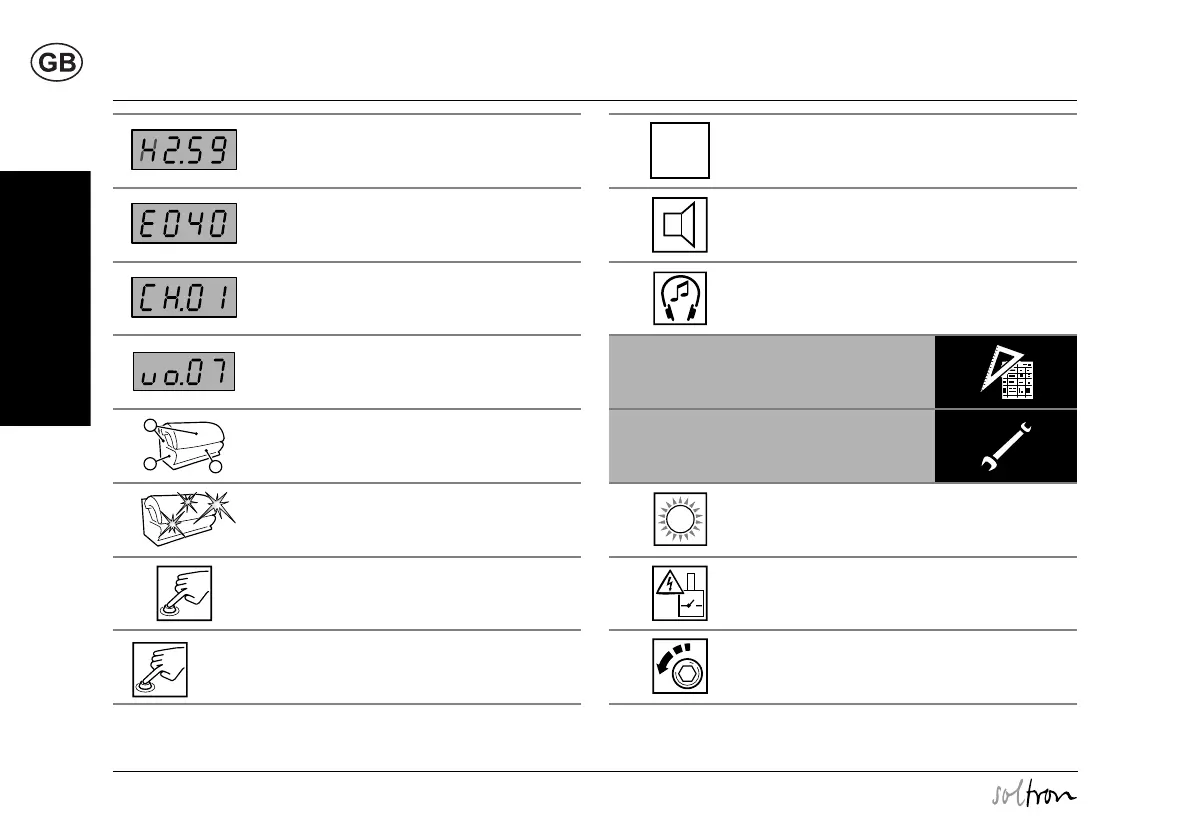
Meaning of symbols
Please read and observe ...
Display of run-on time (fan run-on)
Fault display (example),
see separate manual
Display of Music Channel 1 (Channel 1)
Factory setting: 1 channel
Customer service can set up to 7 channels
Display when adjusting volume
Description
Accent lighting
Press button
Press button for 2 seconds
e.g.:
2s
Duration: 3 minutes
Loudspeaker
Headphone connection
Technical data
Maintenance
UV type
The UV type is specified on the device informa-
tion plate – see Page 2.
Caution, safety switch!
Unscrew/release screw
0-3 min


 To Next Page