User Manual
Step 3
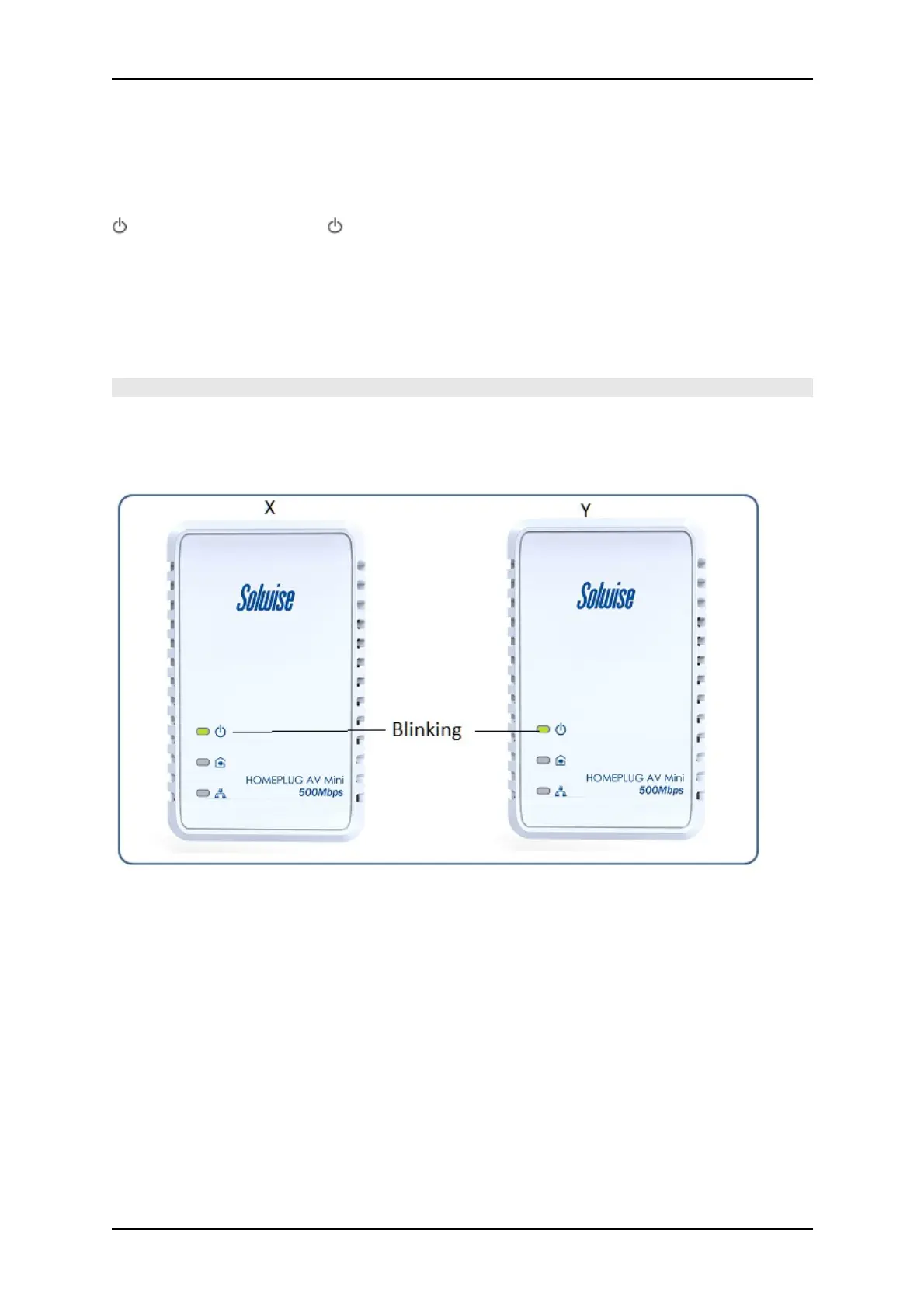
Press Simple Connect for two seconds on HomePlug Y. After you release the button, the Power LED
will blink. If the Power LED did not blink, press Simple Connect again for two seconds.
Make sure to press Simple Connect on HomePlug Y within two minutes after you press Simple
Connect on HomePlug X.
The LEDs on both devices will switch off and on twice to signify that they are paired with another
device.
Note: Do not press Simple Connect for more than 2 seconds
Page 16 of 43



 To Next Page