EasyManua.ls Logo

SOMFY SO1870656 - User Manual

SOMFY SO1870656
96 pages
Go to English
Print Icon
To Next Page IconTo Next Page
Loading...
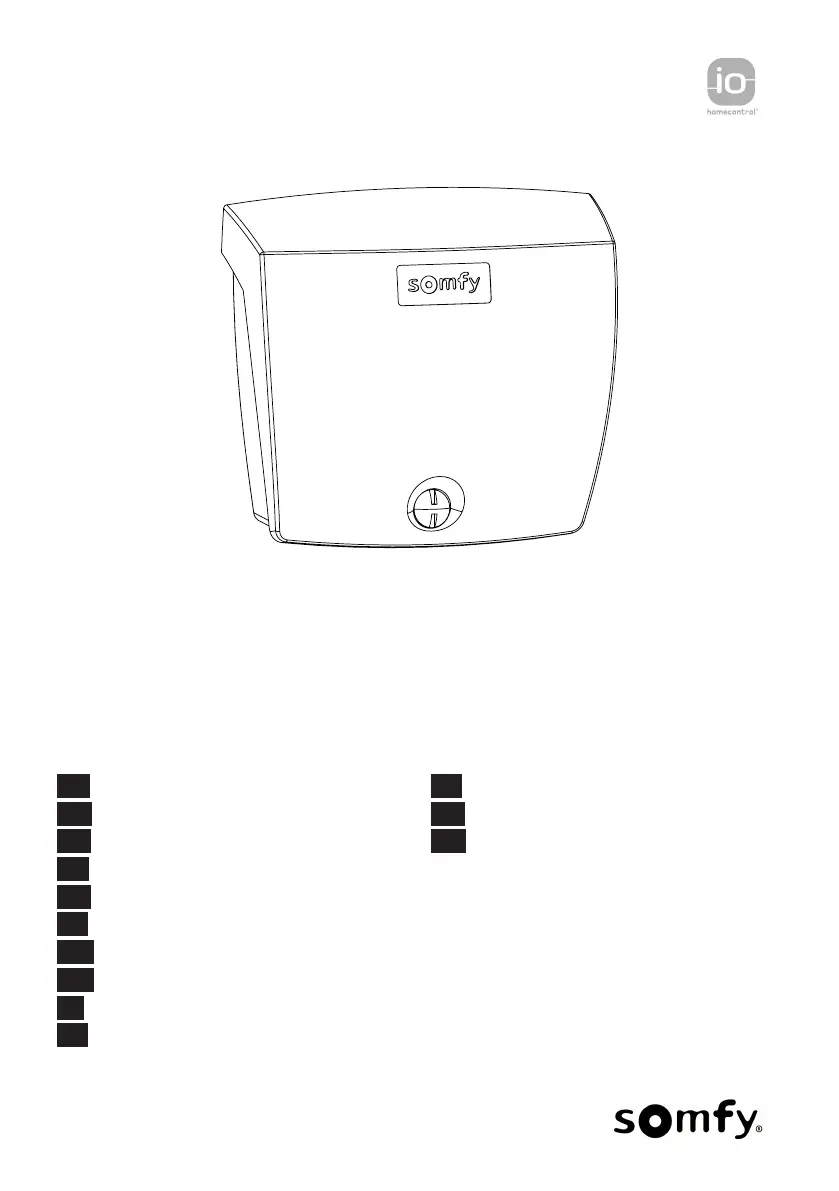
ROLLIXO SMART io
FR Manuel d'utilisation
EN User Guide
DE Bedienungsanleitung
PL Instrukcja dla użytkownika
NL Gebruikershandleiding
CS Návod k použití
HU Felhasználói kézikönyv
RO Manual de utilizare
IT Manuale d'uso
ES Manual de usuario
EL Οδηγός χρήσης
TR Kullanım kitapçığı
AR  

Table of Contents

Questions and Answers

  • K
    Kristin HerreraAug 17, 2025
    Why is there no radio reception when pressing a button on the SOMFY Receiver remote control?
    • J
      johnsonmatthewAug 17, 2025
      If your SOMFY Receiver isn't responding to the remote, check if the remote control button has been programmed. Also, verify that the remote control uses RTS radio technology. Finally, ensure the remote control batteries are not depleted.
  • W
    William VasquezAug 21, 2025
    What to do if the SOMFY Receiver motor experiences a thermal cut-out?
    • C
      clintonmarshallAug 21, 2025
      If the SOMFY Receiver motor experiences a thermal cut-out, switch the power supply off, wait about 5 minutes, and then switch the power supply back on.
  • K
    kyleforbesAug 25, 2025
    What to do if the SOMFY Receiver radio control is received but the actuator does not respond?
    • M
      Michael FoleyAug 25, 2025
      If the SOMFY Receiver receives the radio control signal but the actuator doesn't respond, check the other indicator lights for any other fault indications. It's also possible that the control is not operational from the current position, or the button is programmed for a different function, like controlling an auxiliary output instead of opening/closing the door.
  • M
    martinjaredAug 27, 2025
    What to do if the control is activated on SOMFY SO1870656 Receiver?
    • S
      stephanie71Aug 27, 2025
      If the control is activated on your SOMFY Receiver, first mechanically check that the control point is not blocked. If it's not blocked, disconnect the control point. If the indicator light goes out, check the wiring.
  • M
    Mikayla LeeAug 31, 2025
    What does it mean if my SOMFY Receiver is electronic in motor setting mode?
    • M
      Maria MunozAug 31, 2025
      If the SOMFY Receiver is in electronic motor setting mode, check the direction of rotation of the motor and adjust the motor end limits if necessary.
  • W
    wesleypadillaSep 3, 2025
    What to do if there is a permanent fault with the photoelectric cells on SOMFY SO1870656?
    • J
      Jonathan PearsonSep 3, 2025
      If there is a permanent fault related to the photoelectric cells in your SOMFY Receiver, check the alignment and wiring of the cells.
  • S
    stephensonjoelSep 7, 2025
    What to do if there is a permanent fault with the safety edge on SOMFY SO1870656 Receiver?
    • L
      Laura ReedSep 7, 2025
      If there's a permanent fault with the safety edge on your SOMFY Receiver, check the safety edge wiring.
  • A
    Alisha FloresSep 12, 2025
    What to do if there is a permanent fault with the fall protection on SOMFY SO1870656 Receiver?
    • K
      Kevin GrahamSep 12, 2025
      If a permanent fault occurs with the fall protection system on your SOMFY Receiver, check the fall protection wiring.
  • M
    Michelle MasonNov 13, 2025
    What to do if there is a short circuit on connected peripherals wired input on SOMFY SO1870656 Receiver?
    • D
      Dwayne SandovalNov 13, 2025
      If there's a short circuit on connected peripherals wired input on your SOMFY Receiver, first check the operation and wiring of the connected peripherals. If the indicator lights continue flashing, cut the power supply, disconnect the peripherals from terminal blocks 10 to 21, wait 30 s then switch the power supply back on: if all 4 indicator lights stop flashing, check the wiring of the cells, all the peripherals connected to this power supply and the peripherals connected to the wired inputs. If the indicator lights continue flashing, cut the power supply, remove the green terminal block (12-13-14), wait 30 s then switch the power supply back on: if all 4 indicator lights stop flashing, check the wiring of the safety edge. If the indicator lights continue flashing, cut the power supply, ...

SOMFY SO1870656 Specifications

General IconGeneral
BrandSOMFY
ModelSO1870656
CategoryReceiver
LanguageEnglish

Related product manuals