Updating your Somnox
Your Somnox 2 runs on software. The software controls all the features of your Breathe & Sleep Robot and allows the
device to function. We provide updates to improve features, but also to add new features to the device. In this section
we provide a complete guide on how to perform a software update.
In order to do a software update you will need to prepare a couple of things:
1. You will need to have Somnox 2 (charged)
2. You will need to have installed the mobile app and it should be connected to your Somnox 2
3. You will need to know your Wi-Fi network and its password
Step 1
Open the app and connect it to your Somnox 2 (for instructions, we would like to refer you to the previous chapter).
Step 2
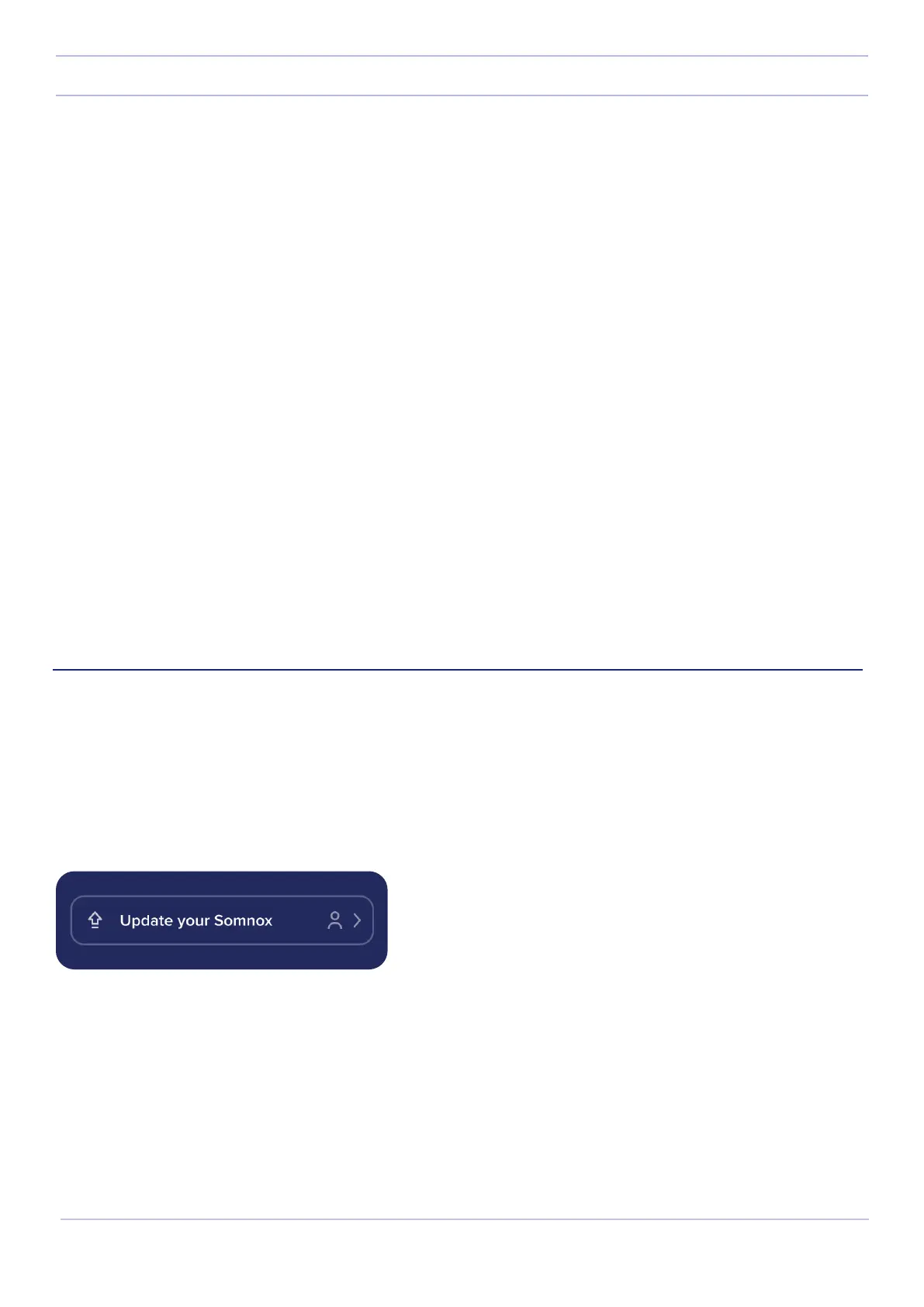
When there is an update available it will show on the status bar in the app. Press on the status bar.
23
Somnox © 2021
Updating your Somnox


 To Next Page