Step 3
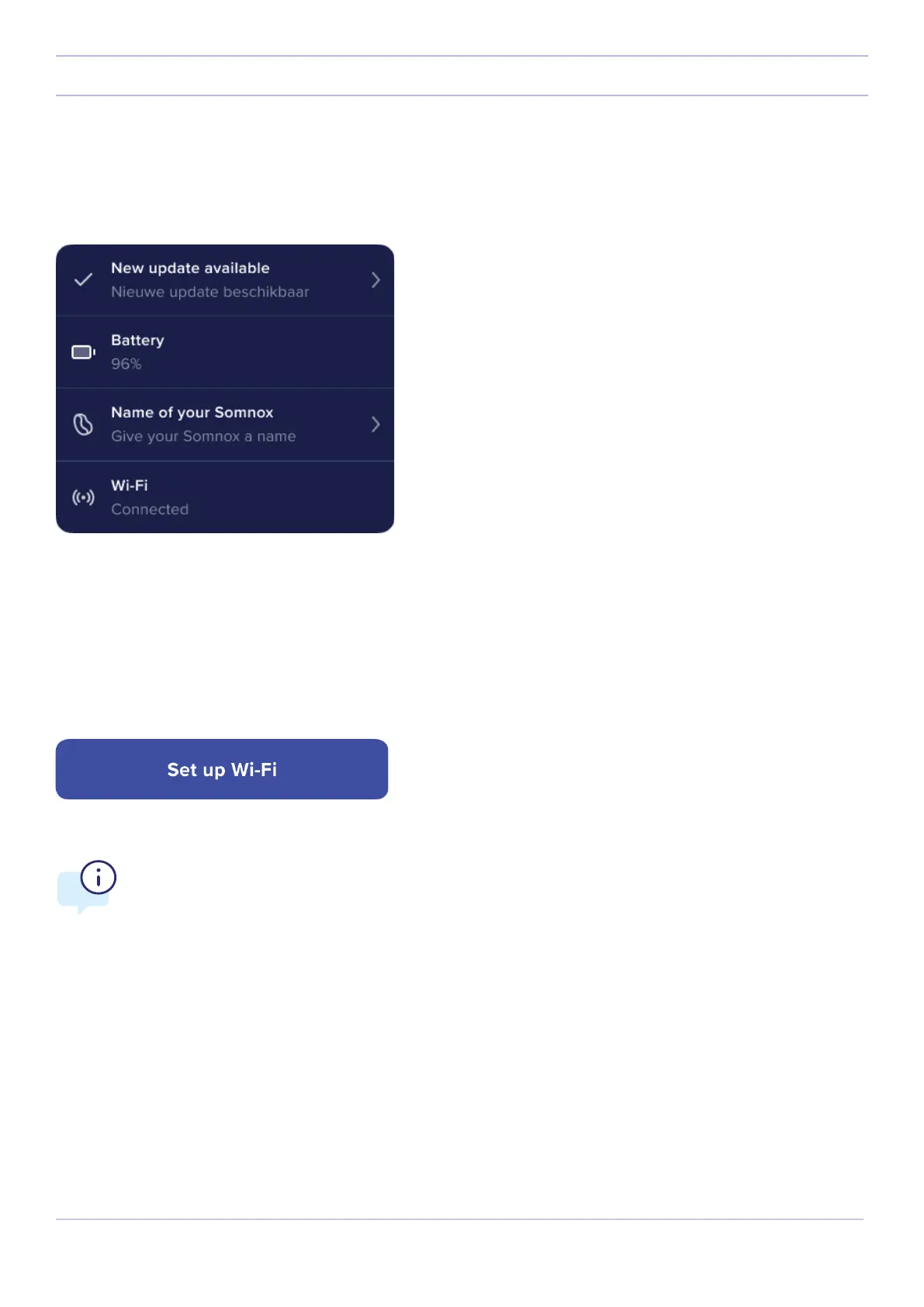
You will be taken to the status screen. Press the top button which says “An update is available”.
NOTE:
Somnox 2 can only connect to 2.4 GHz Wi-Fi.
Please go to page 27 for more information.
24
Somnox © 2021
Updating your Somnox
Step 4
The app will ask you to set up a Wi-Fi connection (if you have not done so already). Please press “Setup Wi-FI”. The
process of setting up Wi-Fi is dierent for iOS (iPhone or iPad) and Android devices. We will first discuss the Wi-Fi setup
for iOS devices. Please visit page 26 for the instructions for Android devices.



 To Next Page