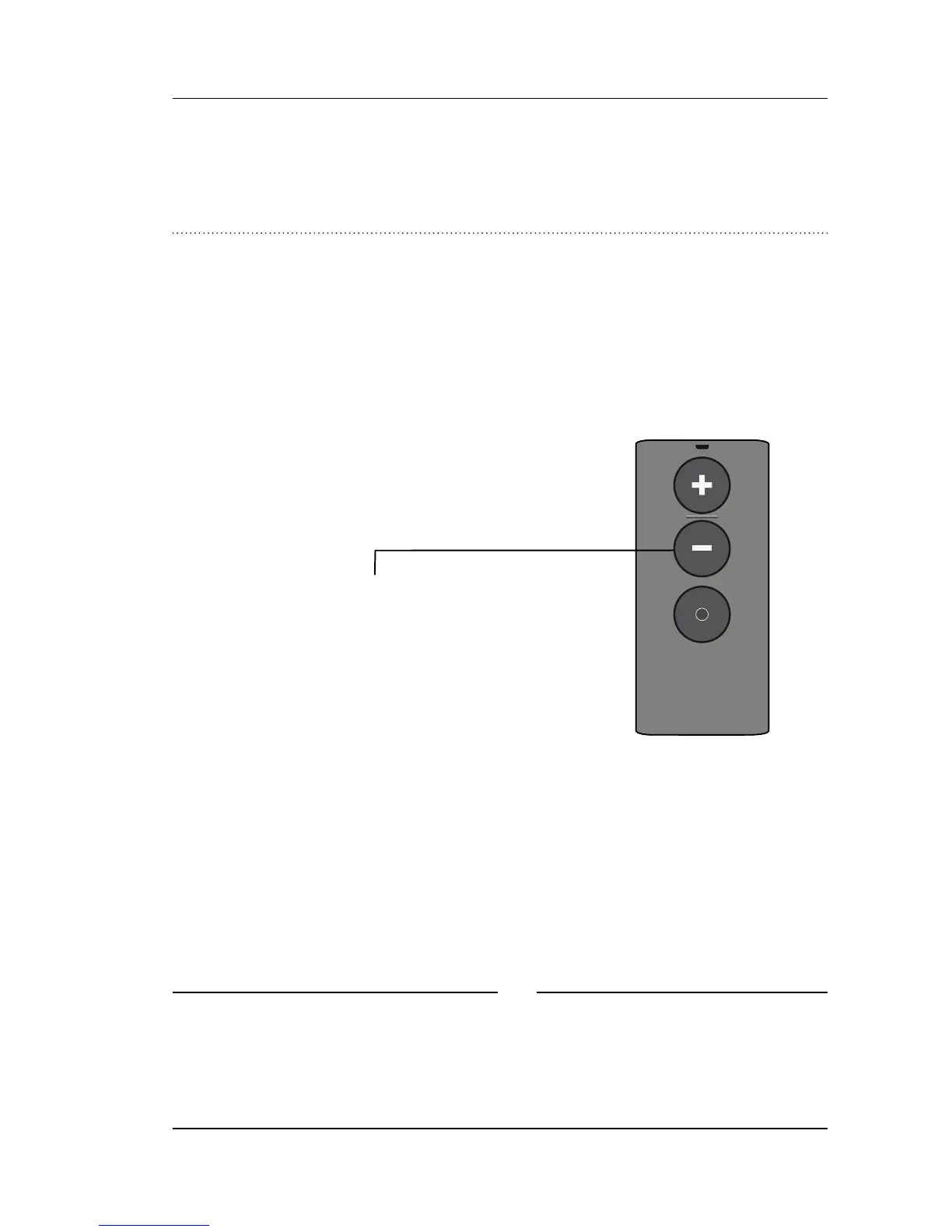
Mute using your
RC-A remote control
While watching TV you can switch off the
microphones in your hearing aids, so that only the
sound from the TV is heard.
Press and hold the volume down
button for approx. 3 seconds until
the surrounding sound is muted.
To unmute simply press volume up
or down briefly.
✻
The mute and volume functions are optional and
can be customized by your hearing care
professional.


 To Next Page