Page 28 Verifying Operation
Verifying Operation
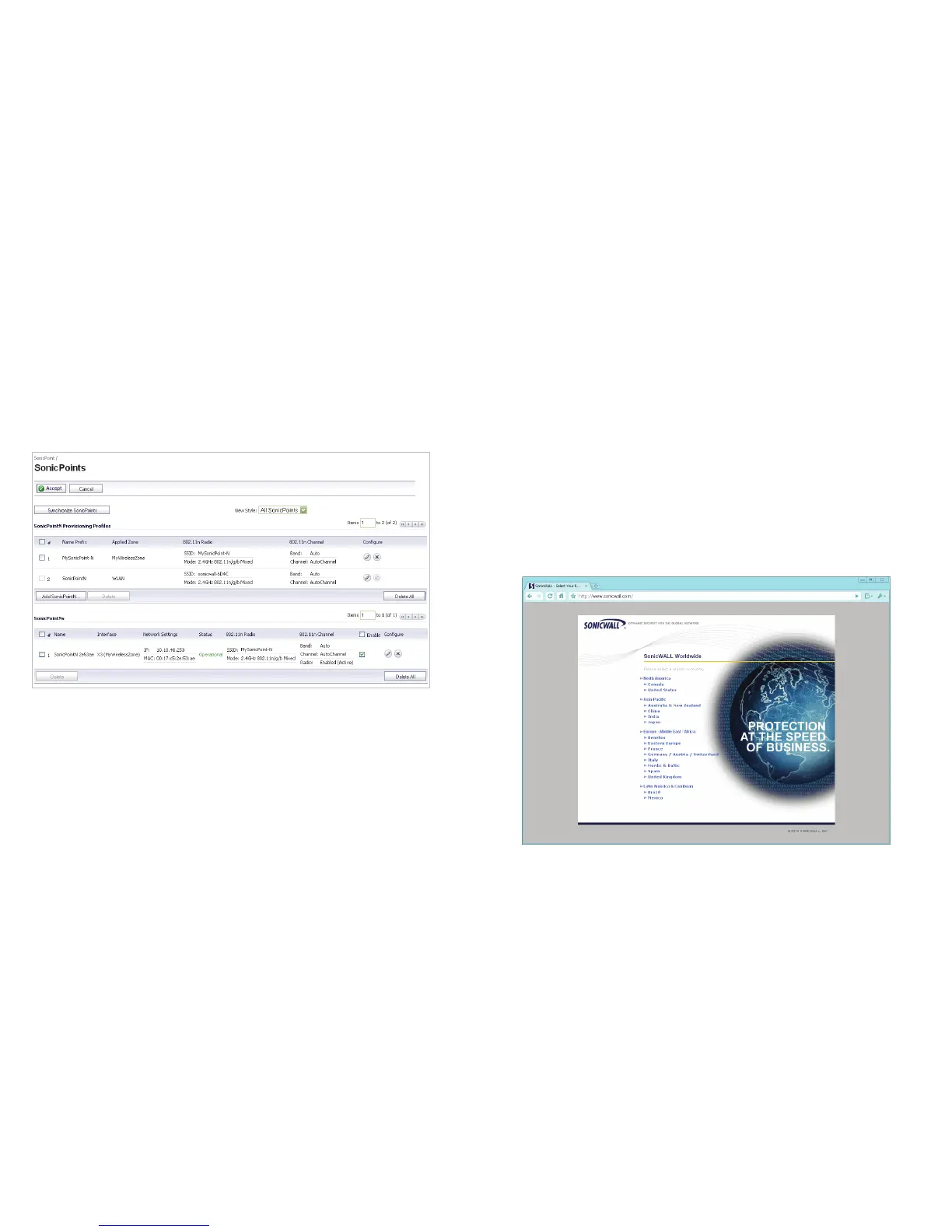
To verify that the SonicPoint is provisioned and operational,
navigate to the SonicPoint > SonicPoints page in the
SonicOS management interface. The SonicPoint displays an
“operational” status in the SonicPoint table:
Verifying WAN (Internet) Connectivity
Complete the following steps to confirm your Internet
connectivity:
1. Disconnect a client computer from any other network
connections (LAN, 3G, and more).
2. Connect the client computer to the wireless access point
by selecting the appropriate SSID.
3. Launch your Web browser.
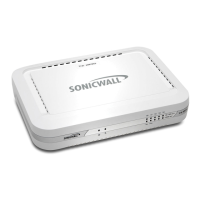
4. Enter “http://www.sonicwall.com” in the address bar and
press Enter on the keyboard. The SonicWALL website
displays. If you are unable to browse to a website, see
“Troubleshooting Tips” on page 29.


 To Next Page