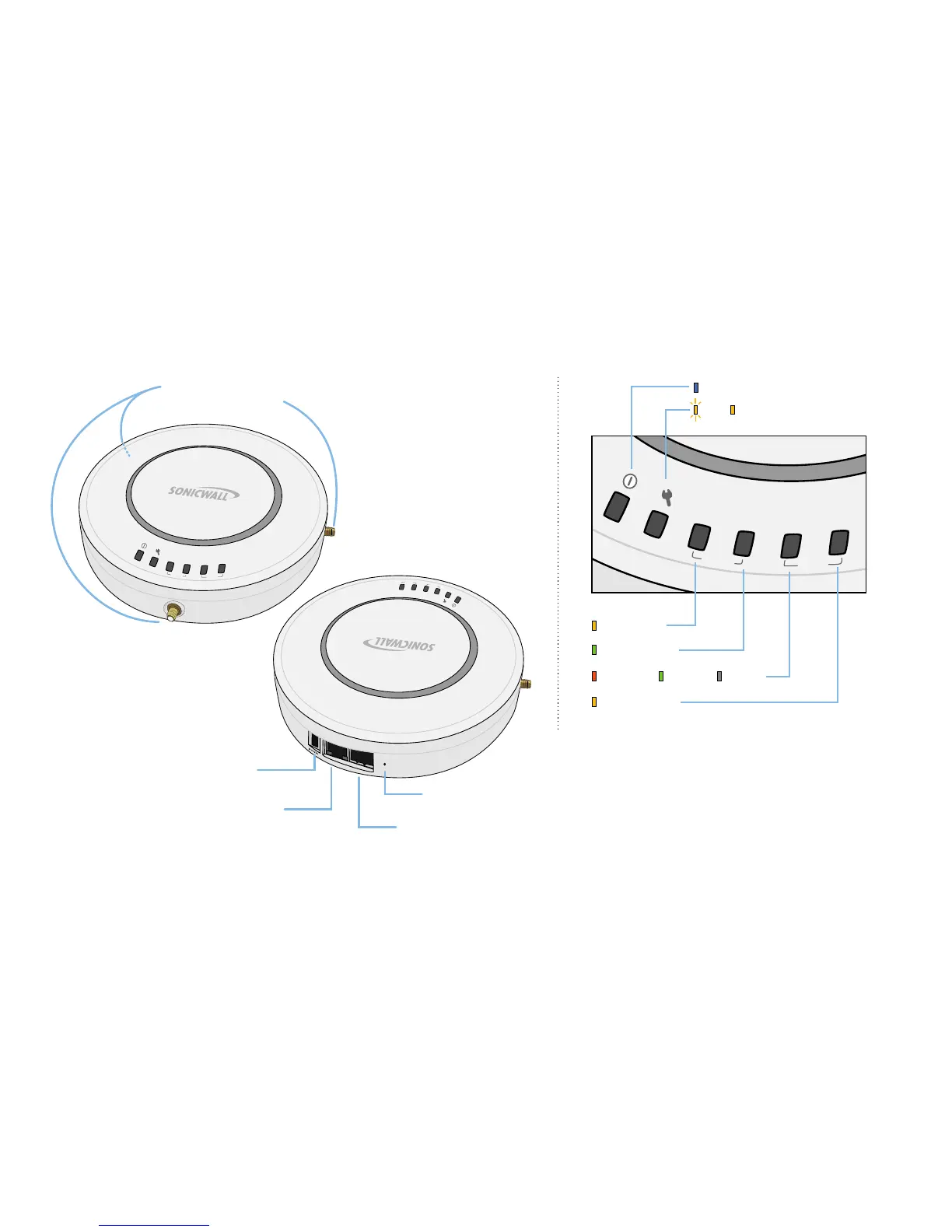
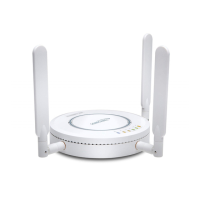
Page 2 SonicPoint Top Panel / Status LEDs
SonicPoint Top Panel / Status LEDs
link
wlan
lan
act
link
act
A
n
t
e
n
n
a
C
o
n
n
e
c
t
i
o
n
s
(
S
o
n
i
c
P
o
i
n
t
-
N
e
O
n
l
y
)
link
wlan
lan
act
link
act
Status LEDs
Power
Test SafeMode
Wireless Link
Wireless Activity
1000mbps 100mbps 10Mbps
Ethernet Activity
link
wlan
lan
act
link
act
c
o
n
s
o
l
e
l
a
n
Power Port
(SonicPoint-Ne only)
Provides 12VDC power connection
LAN/PoE Port
Provides Power over Ethernet (PoE)
and Ethernet connection
Console Port
Provides management connection using
CLI->DB9 cable (for command line management only)
Reset Button
Press and hold to manually reset


 To Next Page