3
PS-SEND Audio to IP Streaming Encoder 2
Front Panel Controls & Operation
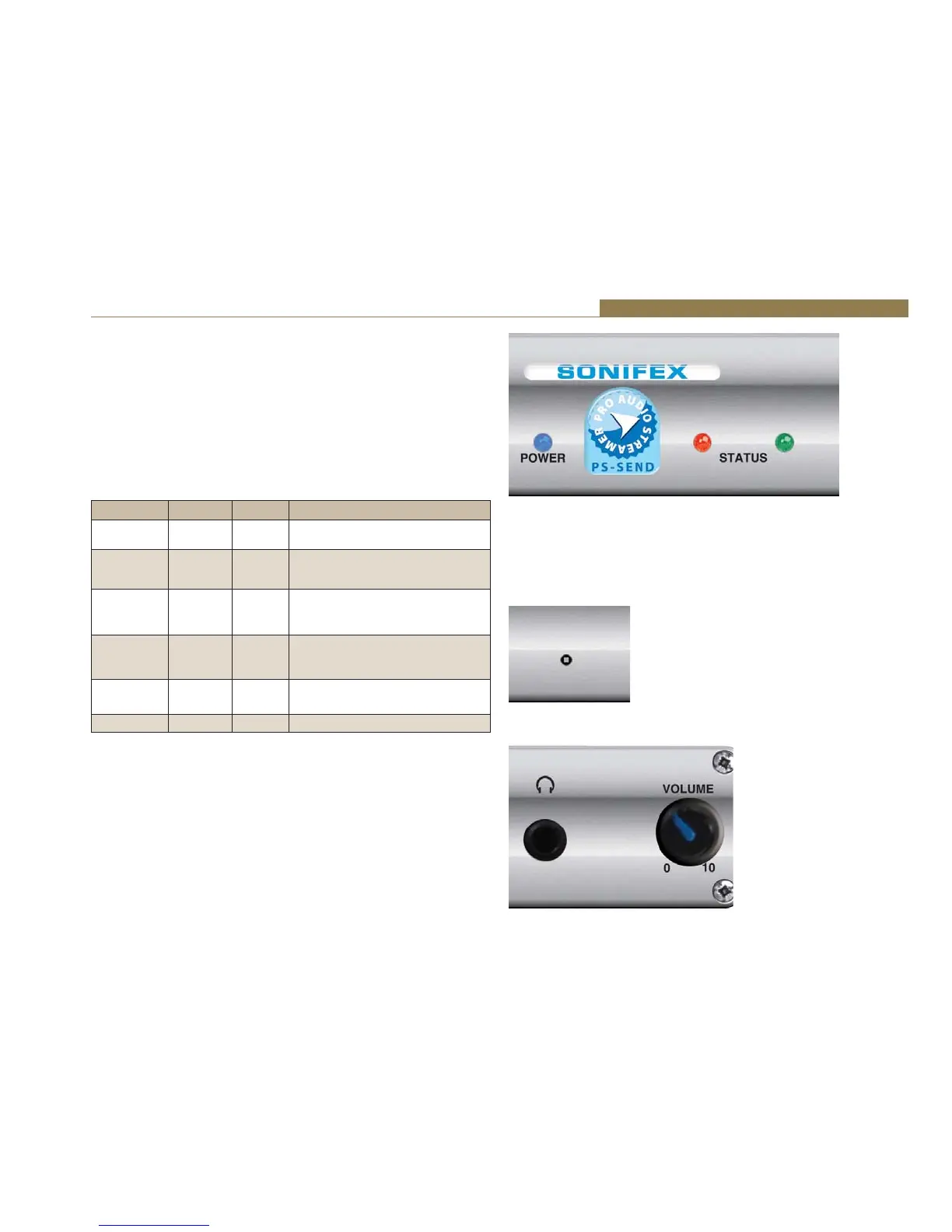
All controls and indicators are located on the front panel.
POWER LED
When on this blue LED indicates that the unit is powered.
STATUS LEDs
There are two LEDS, red and green, which together indicate boot up errors
and when data is being sent. The LEDs have the following meanings:
Red LED Green LED Status Description
Flashing On Boot
Load
The boot loader is running to start
the unit.
Flashing
Continuously
Flashes 5
Times
Boot Up The unit is attempting to configure
an IP address.
On Flashes 5
Times
Boot Up Error - the PS-SEND application
programme is corrupted or there is
an IP address conflict.
On Flashes 3
Times
Boot Up Error – the network hardware could
not be initialised or the MAC address
is corrupted.
Off On Running The unit is running but not sending
data.
Off Flashing Running The unit is running and sending data.
Reset Button
The Reset button is used to restart the firmware and re-initialise the unit.
Please use this button in the unlikely scenario of unit failure.
Headphone Output & Volume Control
The headphone output is a ¼” stereo jack socket, designed to drive 150
ŵtŝŶƚŽϯϮɏƚŽϲϬϬɏƉƌŽĨĞƐƐŝŽŶĂůŚĞĂĚƉŚŽŶĞƐ/ƚŝƐƵƐĞĚƚŽŵŽŶŝƚŽƌƚŚĞ
currently selected input source.
The headphone output has its own volume control and has a maximum
output level of +12dBu.
Fig 2-2: PS-SEND Power & Status LEDs
Fig 2-3: PS-SEND Reset
Button
Fig 2-4: PS-SEND Headphone Socket & Volume Control



 To Next Page