9
PS-PLAY IP to Audio Streaming Decoder 3
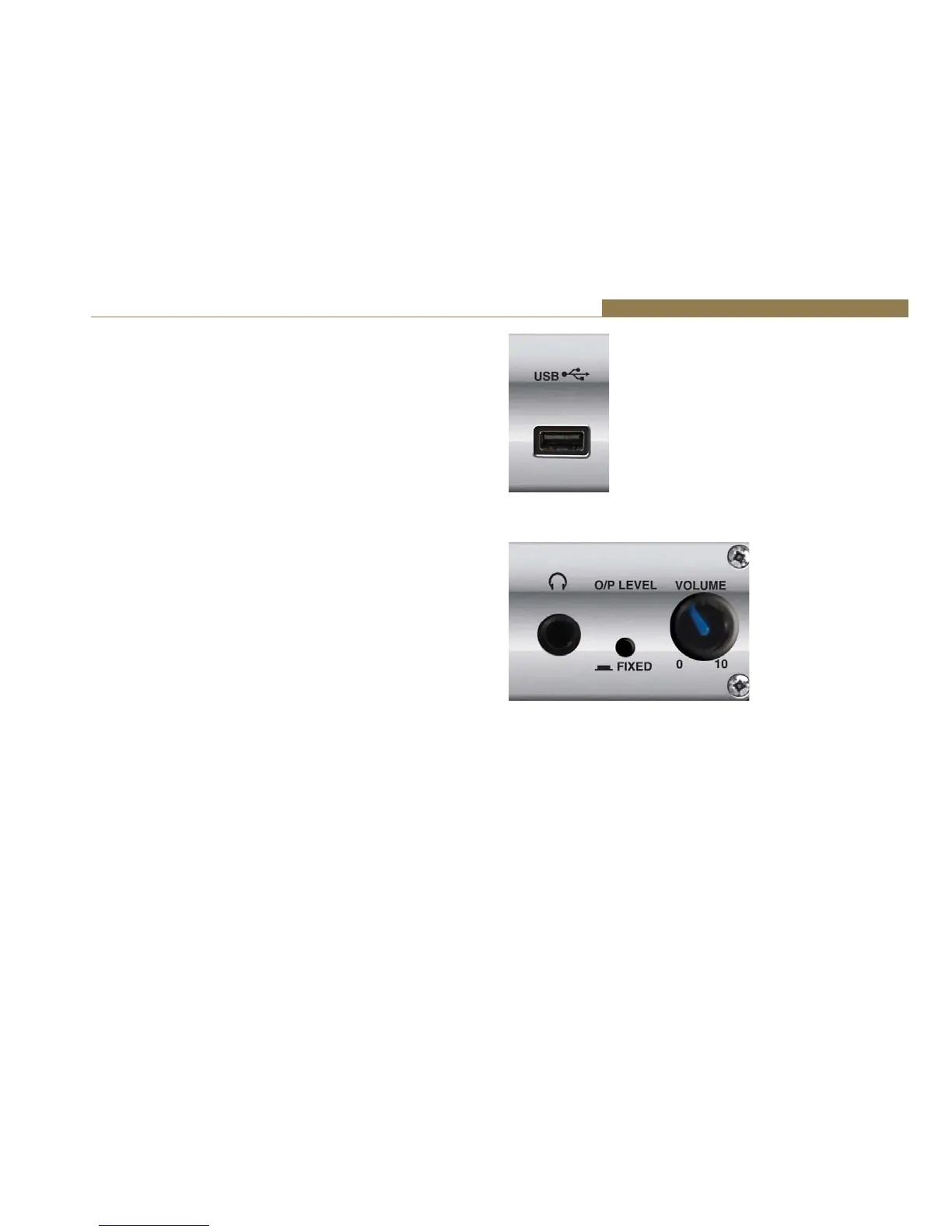
USB Socket
The USB socket is available so that playlists stored on a USB stick can be
played from the PS-PLAY. Set up the playlist on the USB stick and insert it
into this socket.
The USB port is not fully USB 1.1 compatible and has the following
limitations:
• Only the Mass Storage class is supported.
• HUBs are not supported (certain flash disks contain an embedded hub).
• Only the first partition is supported.
• The partition must be formatted as FAT16.
• It can only read a maximum partition size of 4GB.
Most of the existing USB flash disks are supported.
Headphone Output & Volume Control
The headphone output is a ¼” stereo jack socket, designed to drive 150
ŵtŝŶƚŽϯϮɏƚŽϲϬϬɏƉƌŽĨĞƐƐŝŽŶĂůŚĞĂĚƉŚŽŶĞƐ/ƚŝƐƵƐĞĚƚŽŵŽŶŝƚŽƌƚŚĞ
currently selected output.
The headphone output has its own volume control and has a maximum
output level of +12dBu.
Output Level Control
The O/P LEVEL button allows you to have either a FIXED level output
(button depressed) or to have the output level adjustable by using the
front panel VOLUME control.
Fig 3-5: PS-PLAY USB Socket
Fig 3-6: PS-PLAY Headphone Socket, Volume Control
& Output Level Control



 To Next Page