24
Getting Started with XP5560 BOLT
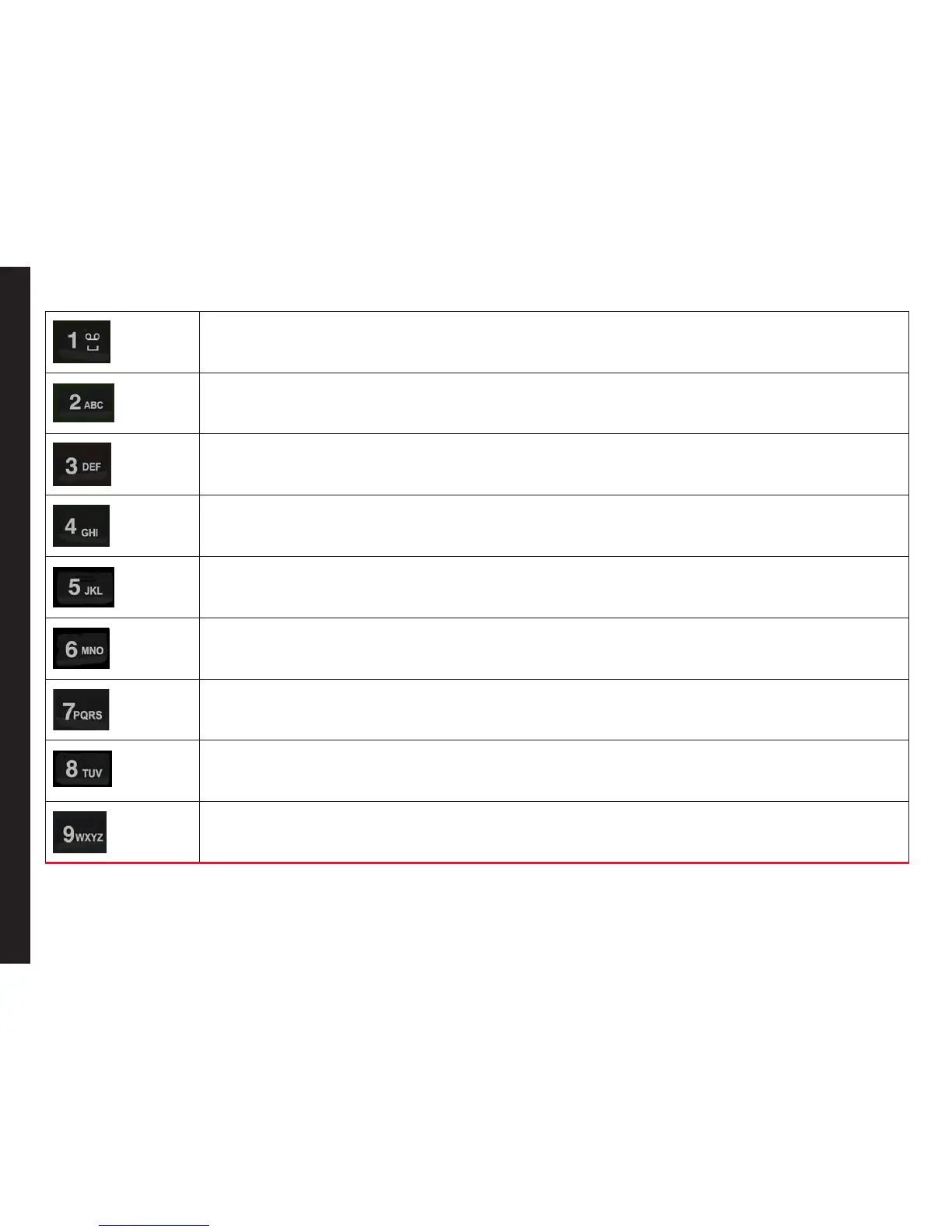
• Press and hold in standby mode to access your Voice mail.
• When entering text, press to enter space.
Press and hold to set access Tone settings.
Press and hold to access the Proles.
Press and hold to set the alarm.
Press and hold to access the calendar.
Press and hold to access the Bluetooth.
Press and hold to access the Browser.
Press and hold to access shortcuts.
Press and hold to access language list.



 To Next Page