Quick Start Guide – XP8 7/18/2018
Page 2 of 17
INTRODUCTION
This Quick Start Guide will outline the steps to set up your Sonim phone including LincPTT.*
INSTALL AND CHARGE THE BATTERY
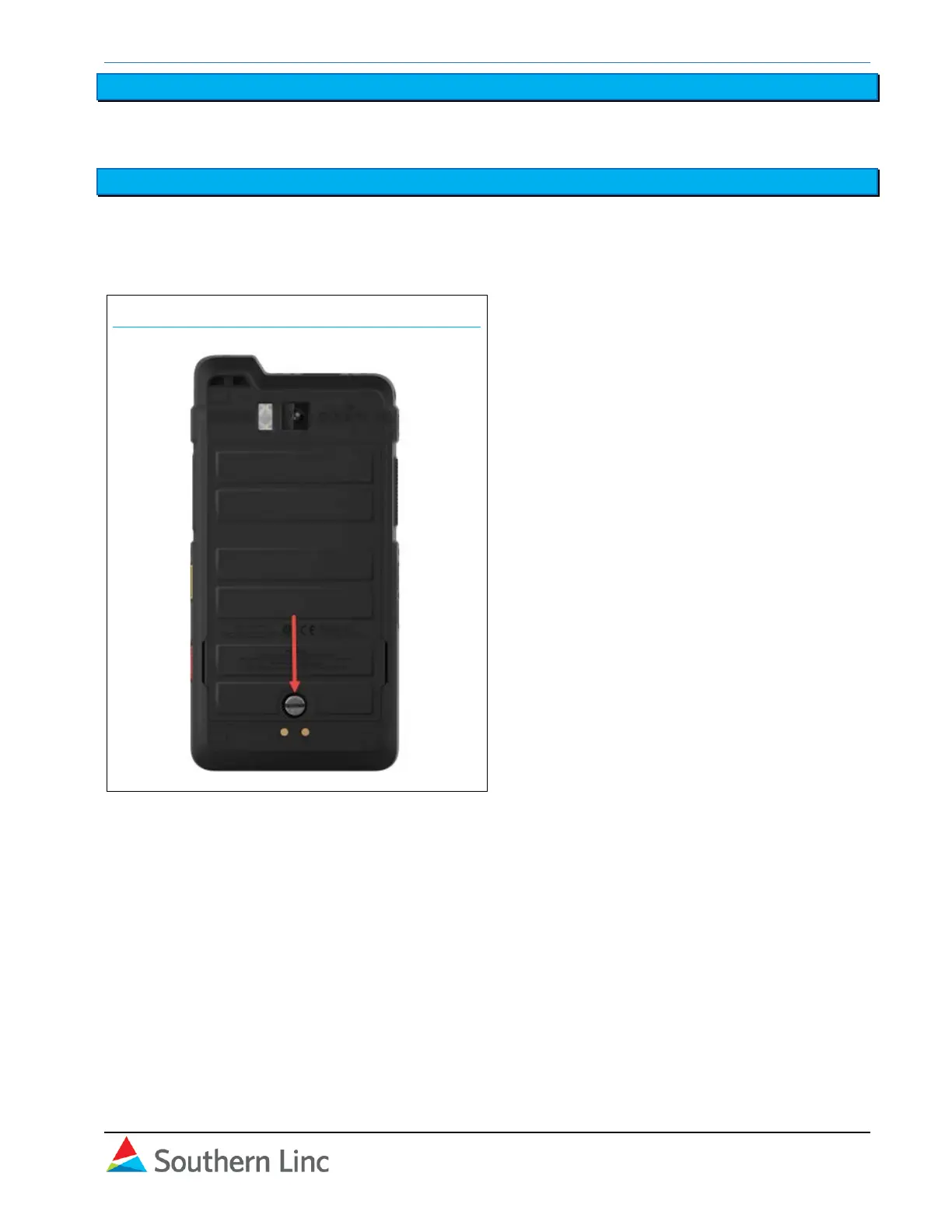
Unscrew the back panel to access the battery bay.
Follow placement instructions on the battery, then reconnect the back panel. Be sure to secure the
panel tightly.
XP8
Fully charge the device using the provided USB charging cord or another device as appropriate.



 To Next Page